Your creative toolkit
Your next edit.
Made clear.
From background removal to virtual try-on — everything you need to create, preview, and make it yours.
15 tools
Edit & create
Remove, generate, enhance, and transform images with AI.
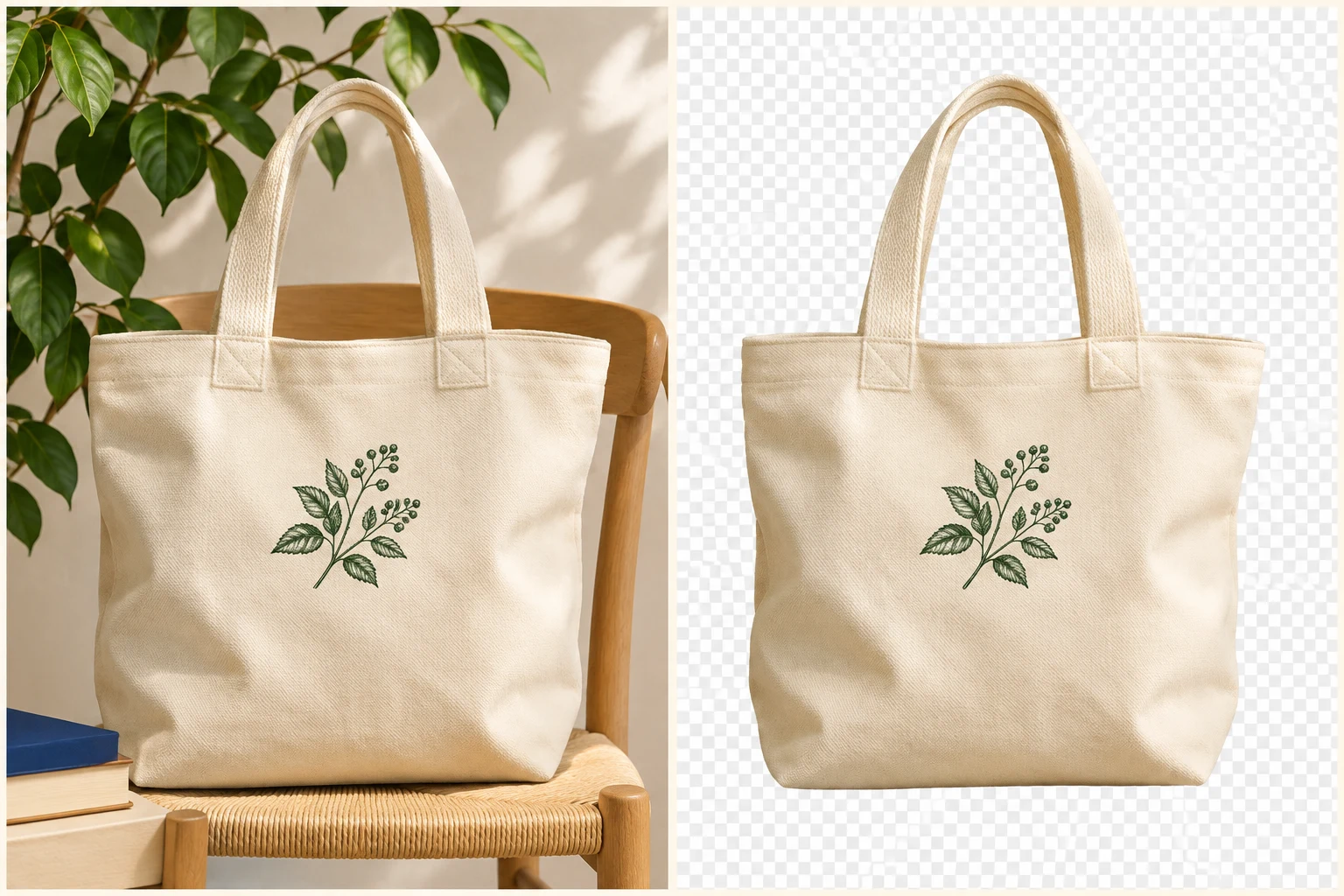
Background remover
Remove the background from your photo. Get an image you can place elsewhere.
Keep the subject.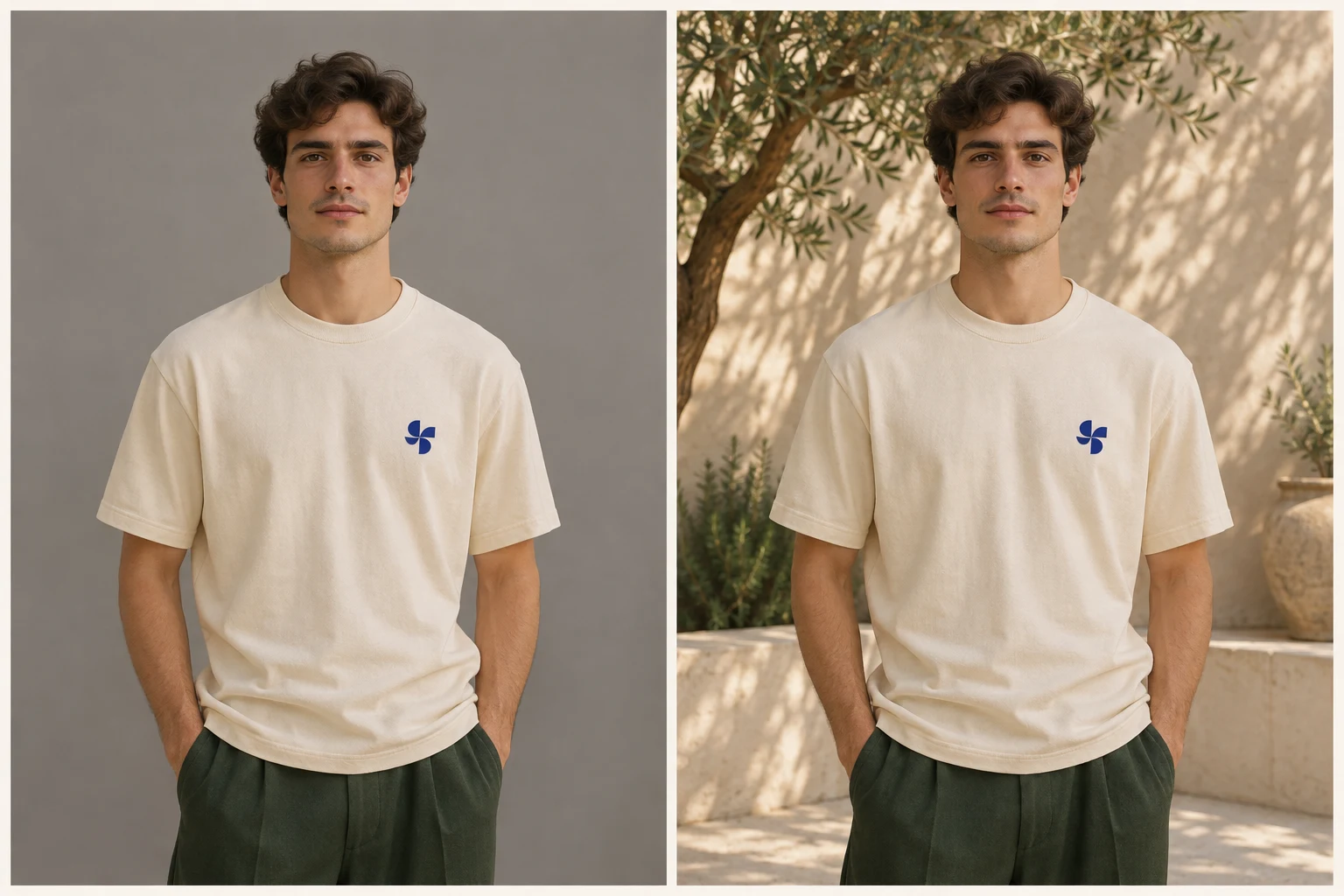
Background generator
Keep your subject in view. Describe a new background for your photo.
Change the setting.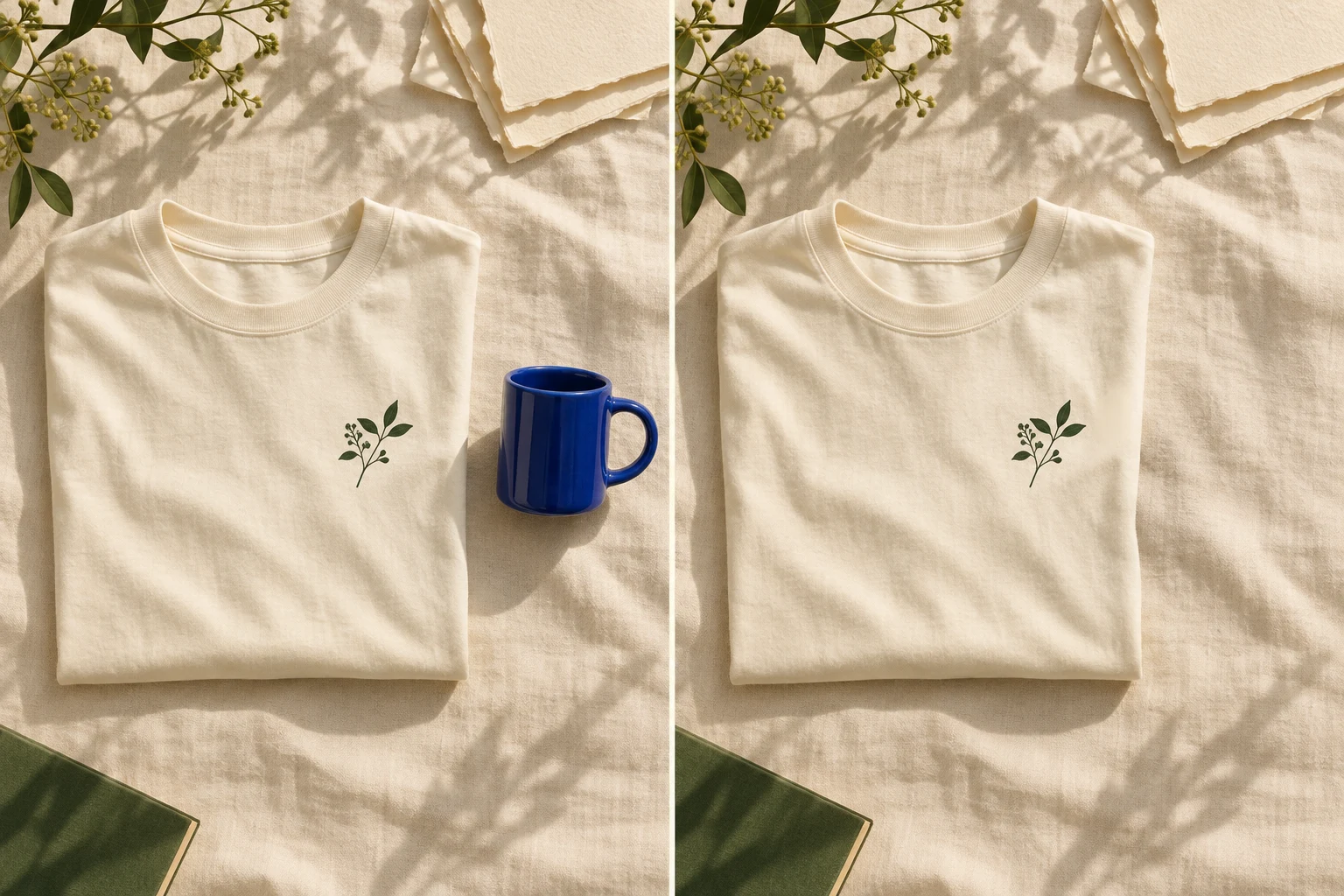
Object remover
Describe an unwanted object in your photo. Generate a version with it removed.
Leave less behind.
Image extender
Choose a new image shape. Generate more scene around your original photo.
Give it more room.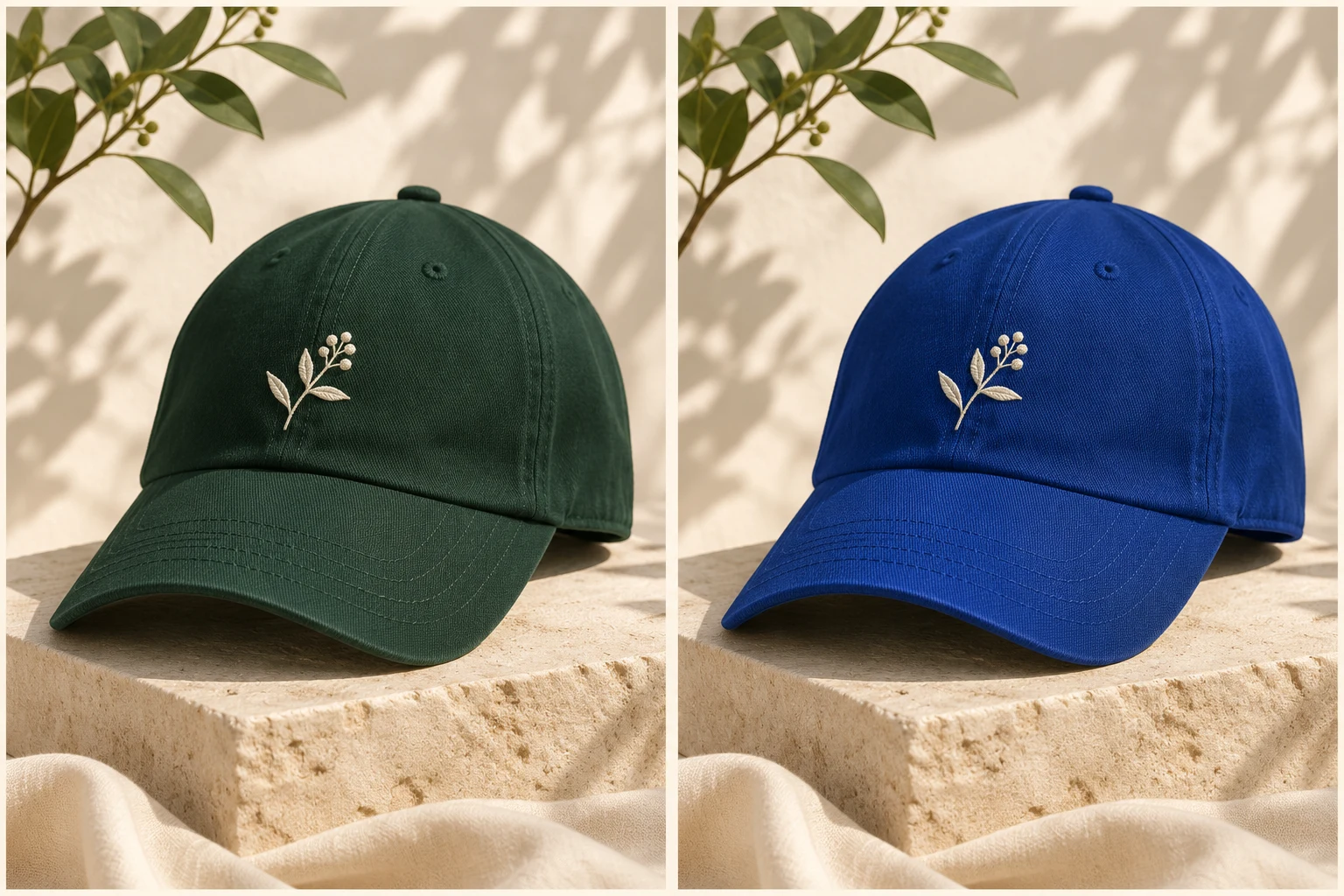
Image recolor
Describe which object to recolor and the shade you want.
Try another color.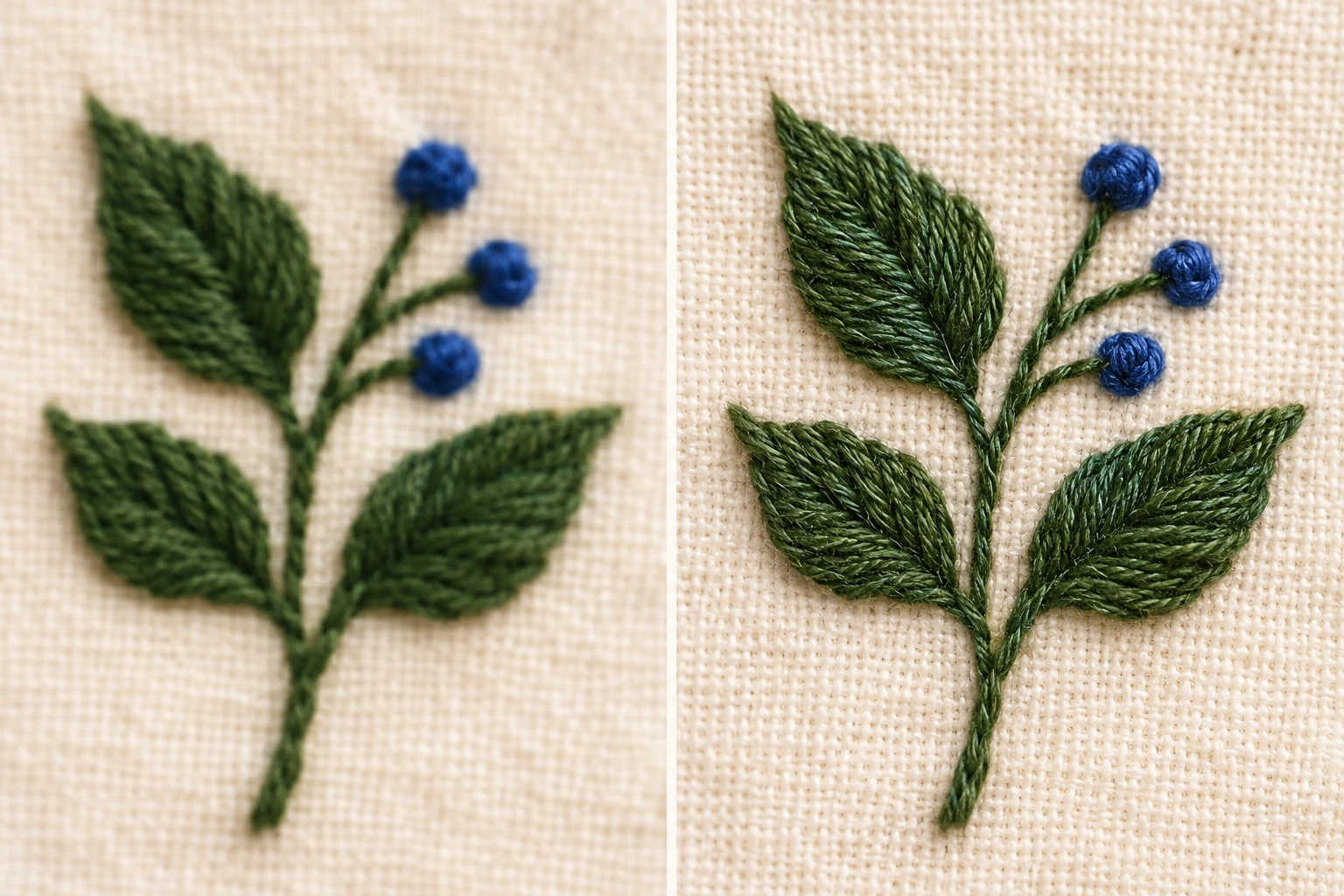
Image upscaler
Choose 2× or 4× enlargement. Inspect the detail in your larger image.
Make details larger.
Logo concepts
Describe your brand and visual direction. Start with one image-based logo concept.
Give your idea a mark.People & styling
Virtual fitting, model swaps, and professional product shots.
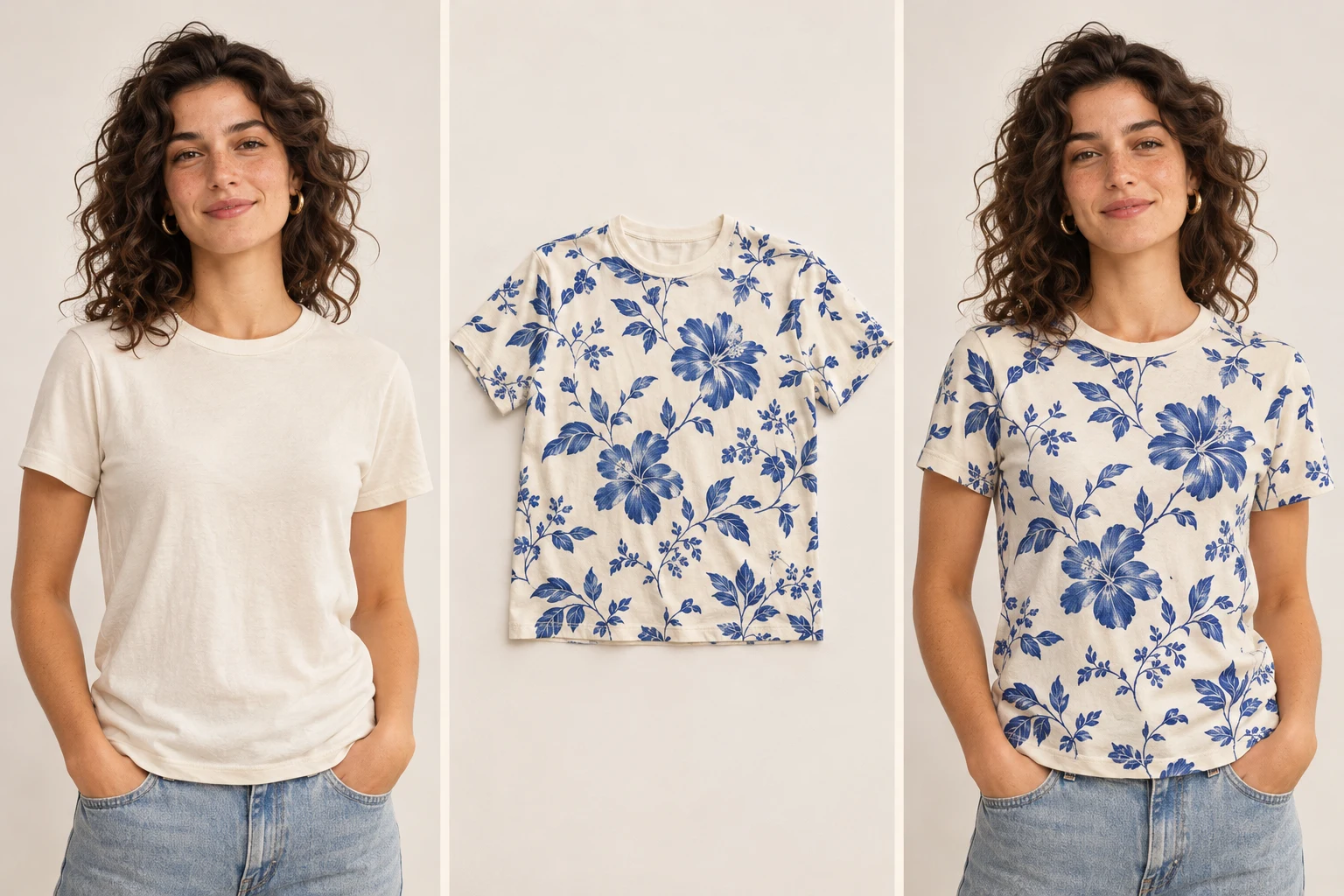
Virtual try-on
Add a person and a garment. Explore how they look together.
See the fit.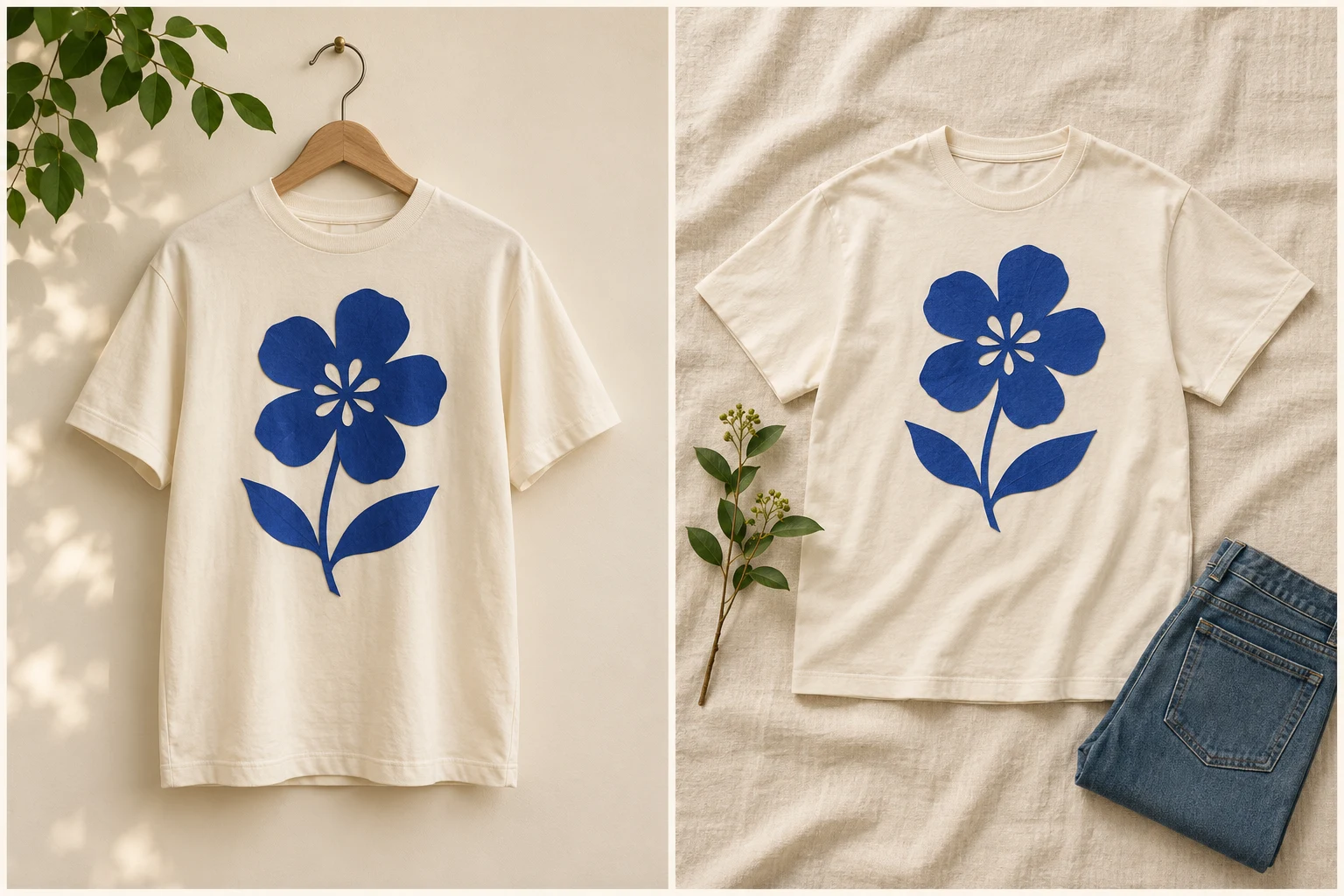
Product flatlay
Turn a product photo into a styled, overhead arrangement.
Style it from above.
Model swap
Add a styled photo and a new person reference. Explore another model wearing the look.
Meet a different face.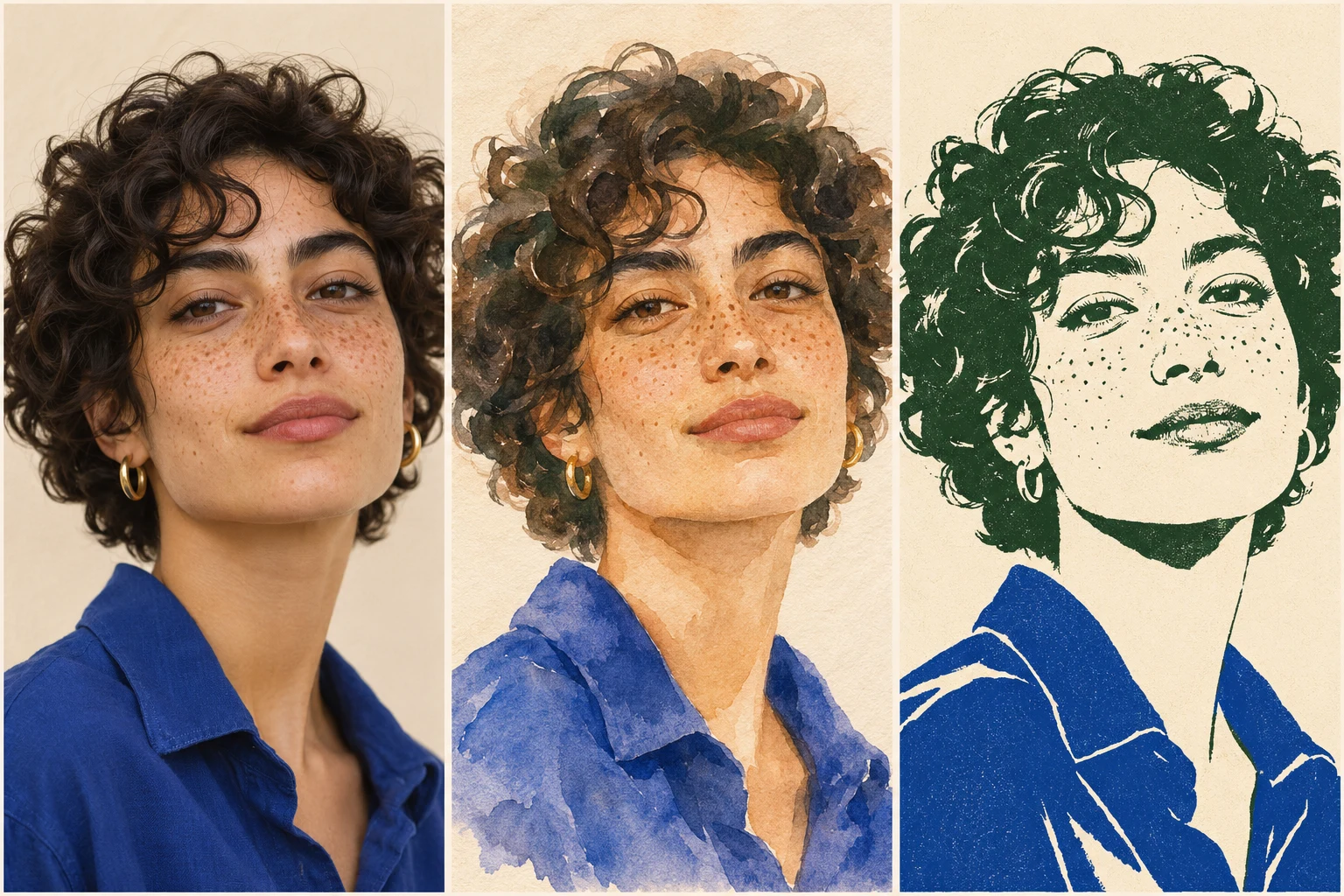
Portrait styles
Start with your portrait. Describe an illustrated style to explore.
See another side.Product presentation
Make mockups, product scenes, graphics and clearer photos.
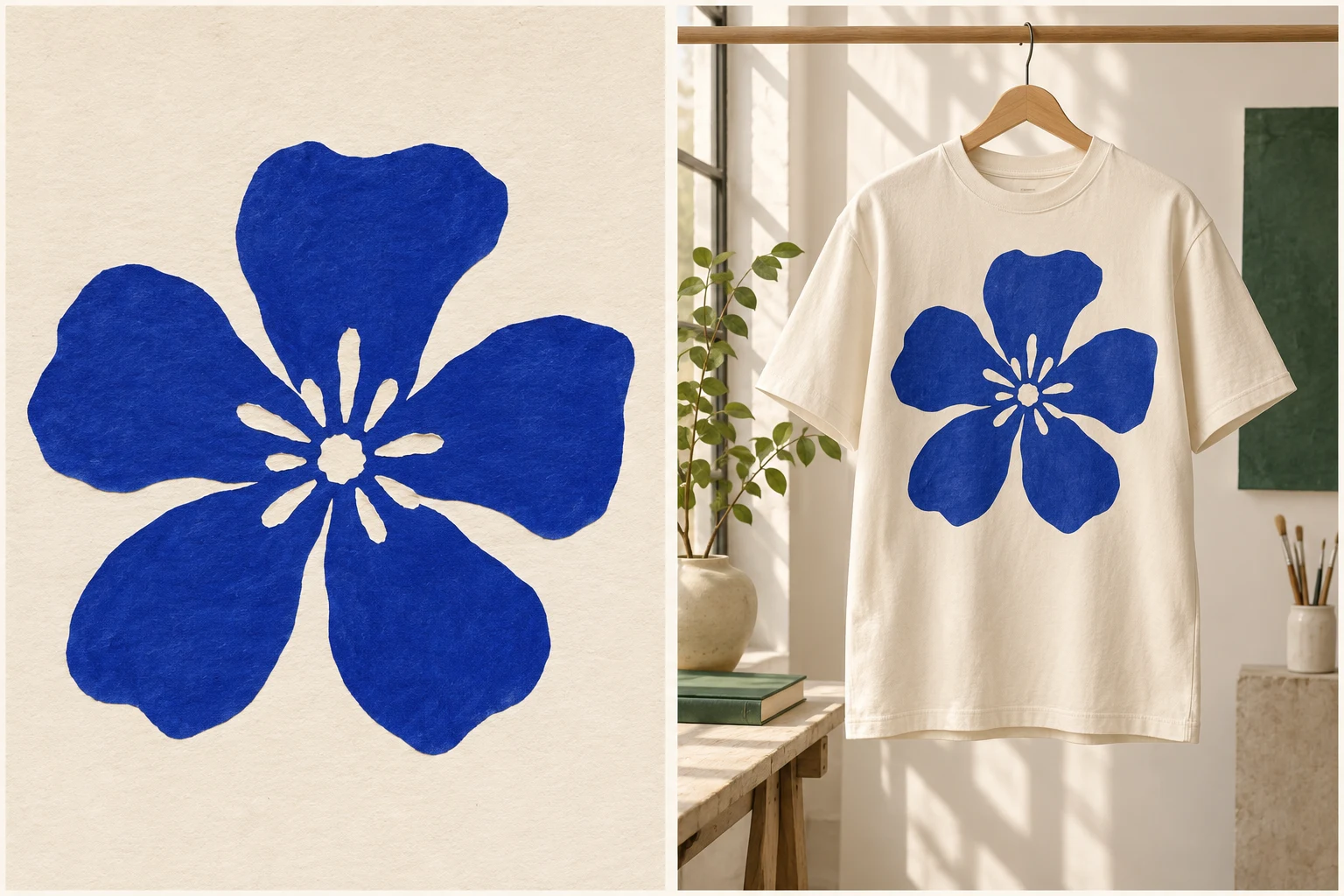
Mockup generator
Upload your artwork. Explore a product image with your design applied.
Picture it on merch.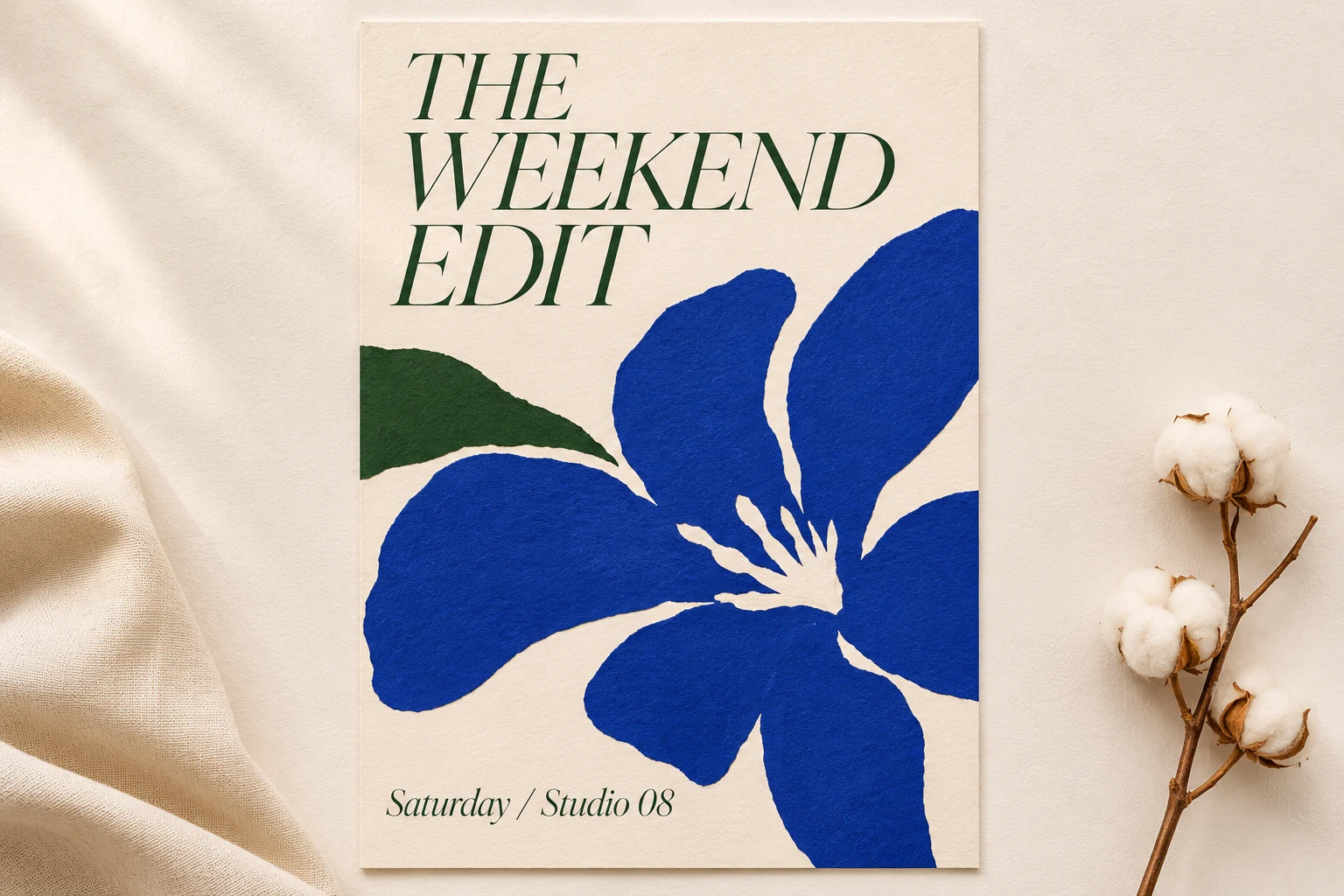
Marketing graphics
Describe a poster, social post or banner. Explore a single image-based layout concept.
Make an announcement.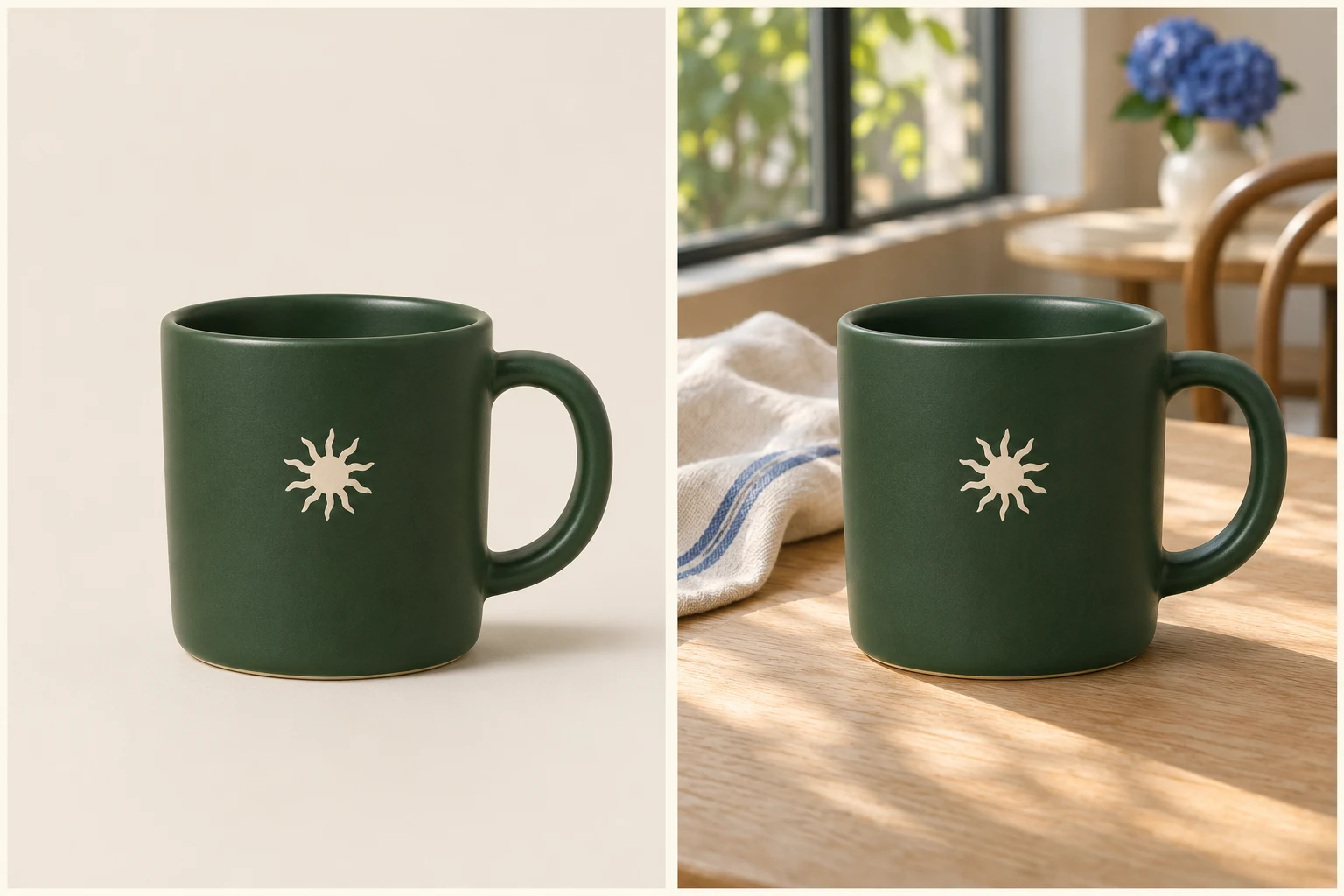
Product scenes
Upload a product photo. Describe the setting you want it photographed in.
Put it in context.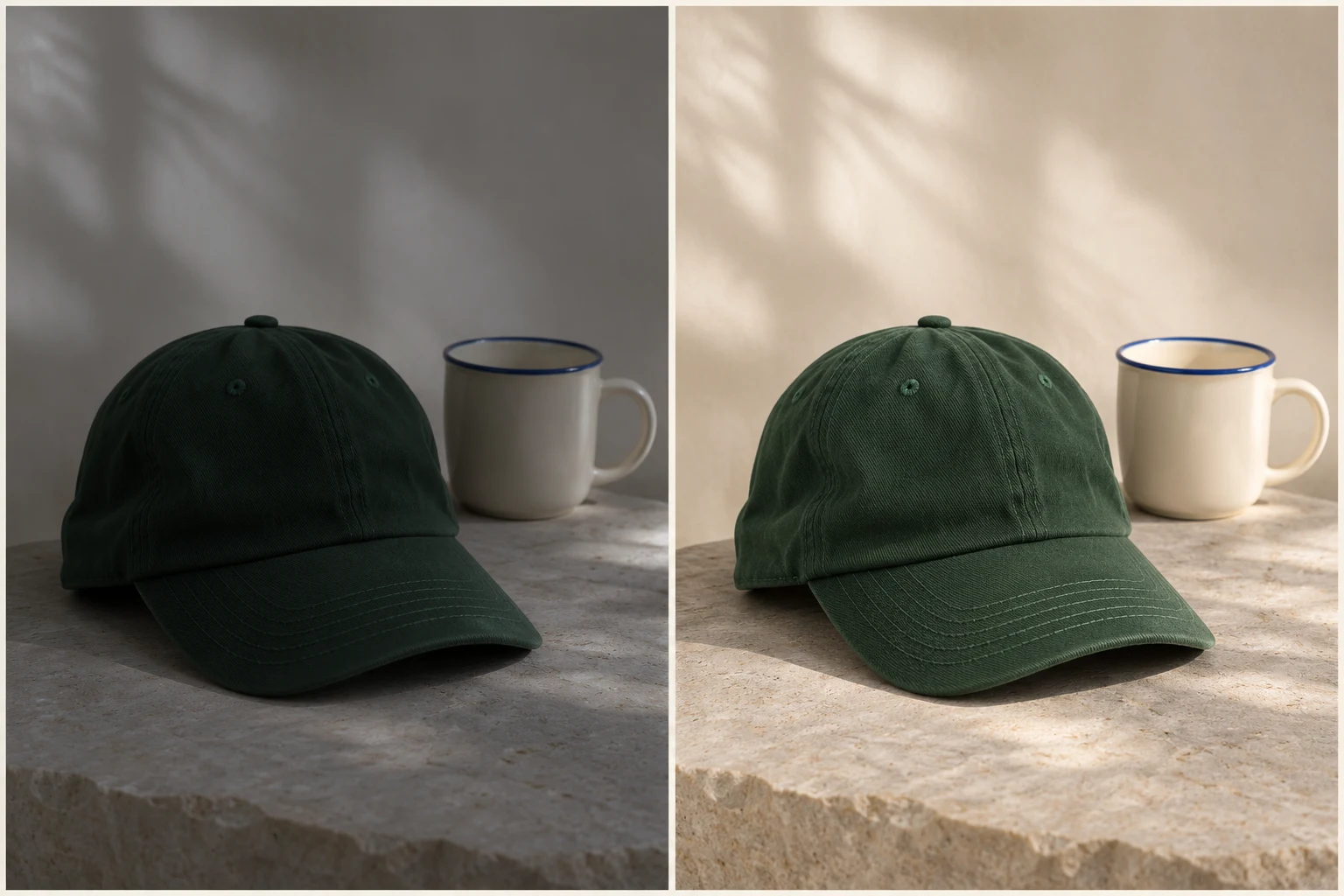
Photo enhancer
Improve lighting, color and clarity in a photo you already have.
Bring the photo back.AI-generated concept illustrations explain each tool. They are not tool test results.