Design Tool
New colors, same image, total control.
Change colors in your images with AI precision. Recolor products, backgrounds, or specific elements — perfect for creating colorway variations and seasonal themes.
Powered by Custyle AI
AI Image Recolor
Upload an image and see the AI in action.
Features
Why AI Image Recolor ?
 01
01Targeted Recoloring
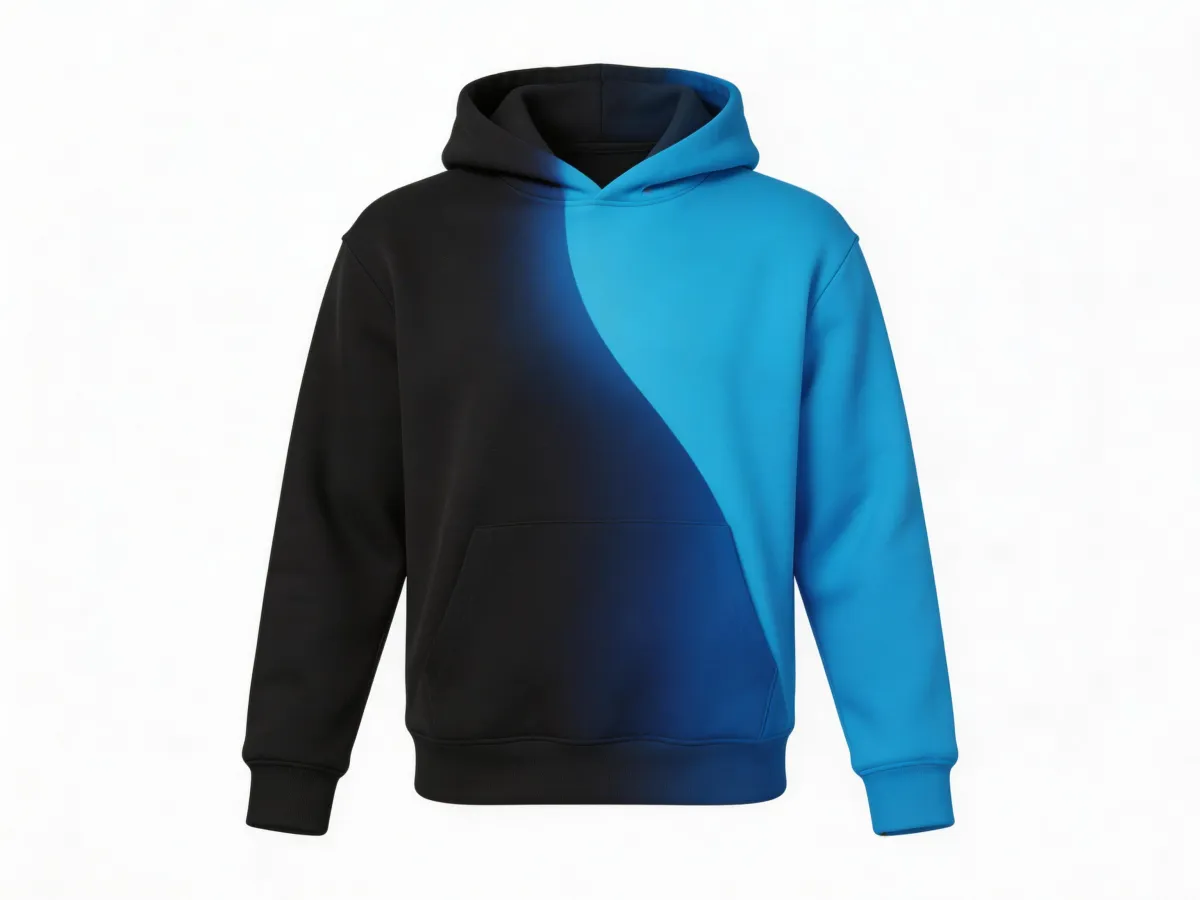
AI understands object boundaries. Recolor a shirt without touching the skin, or change a wall without affecting furniture.
 02
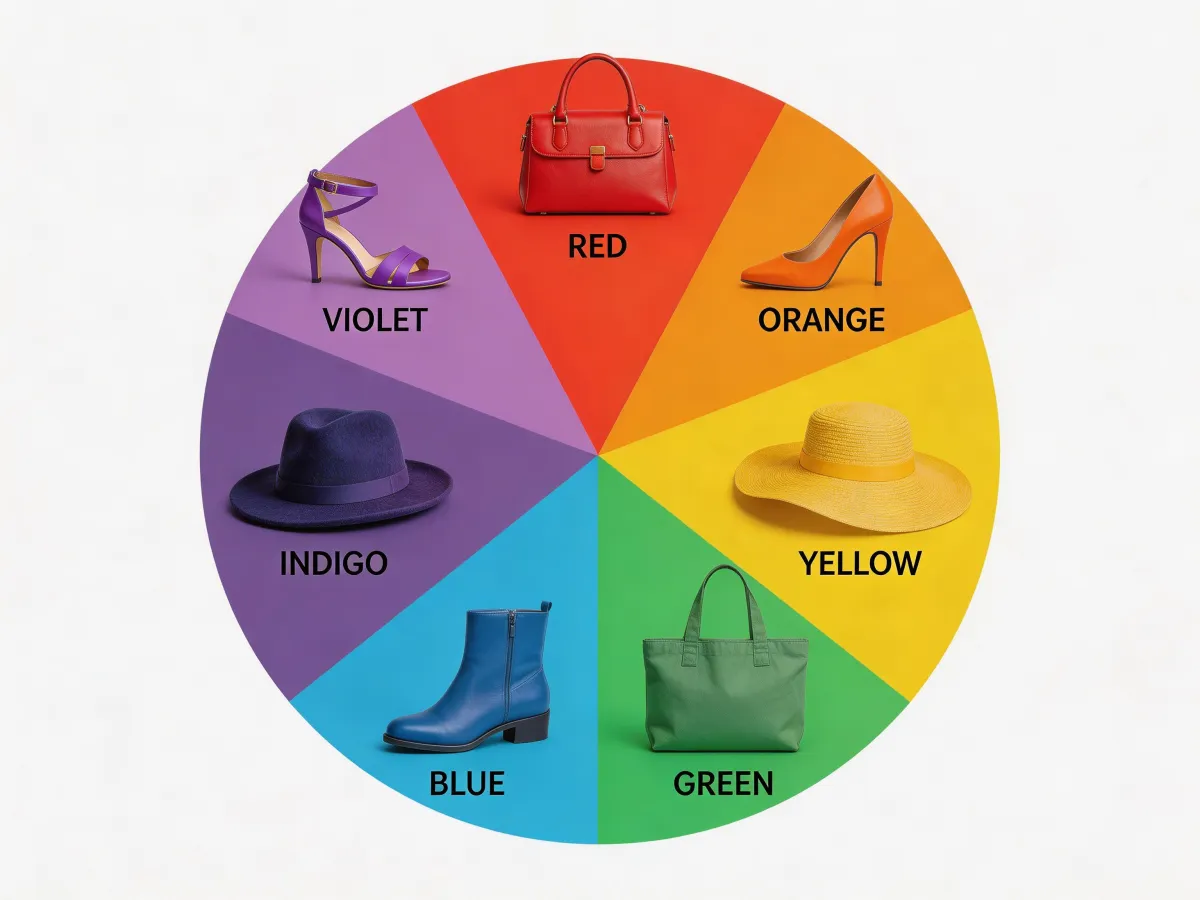
02Precise Color Picker
Pick exact hex colors, use a palette, or describe the color you want. AI handles shading and highlights.
 03
03Natural Results
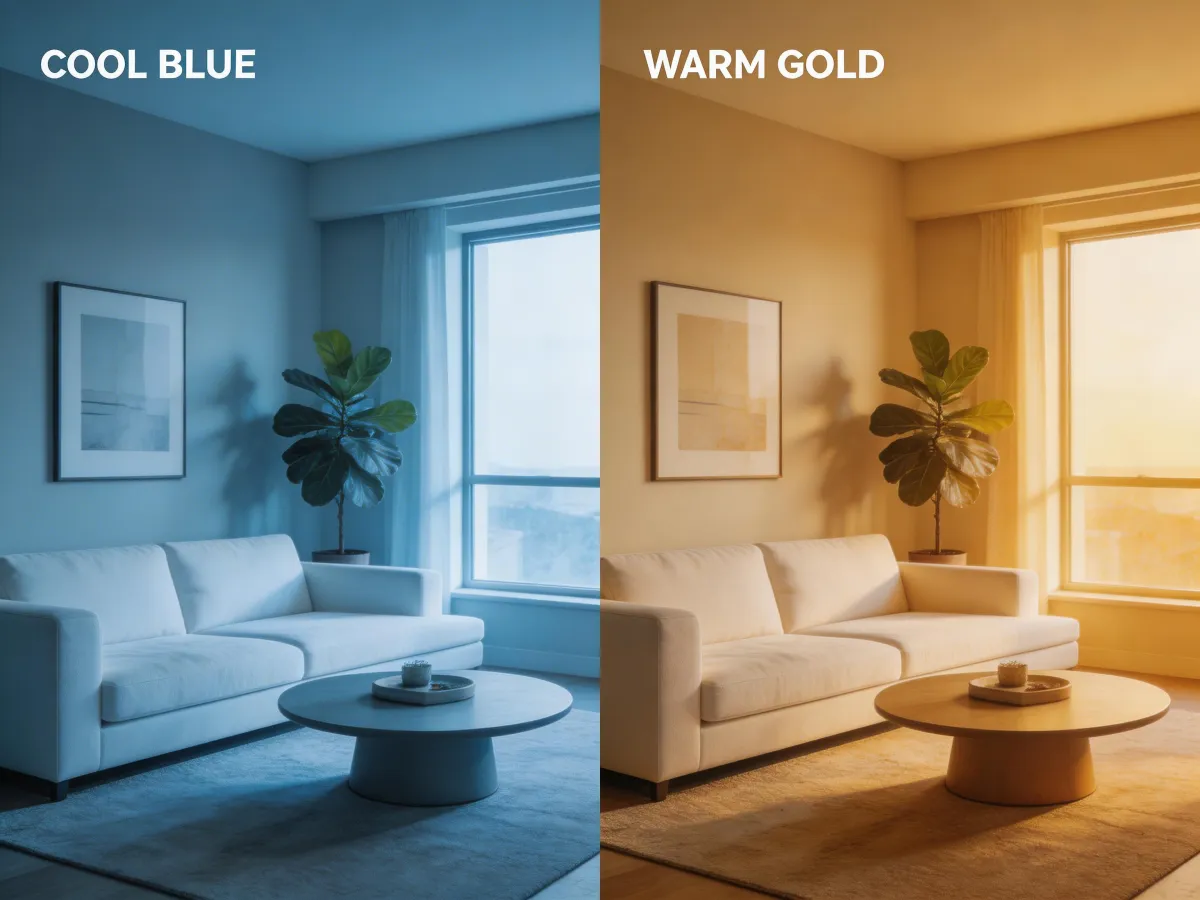
Lighting, shadows, and texture are preserved. Recolored areas look like they were photographed that way.
 04
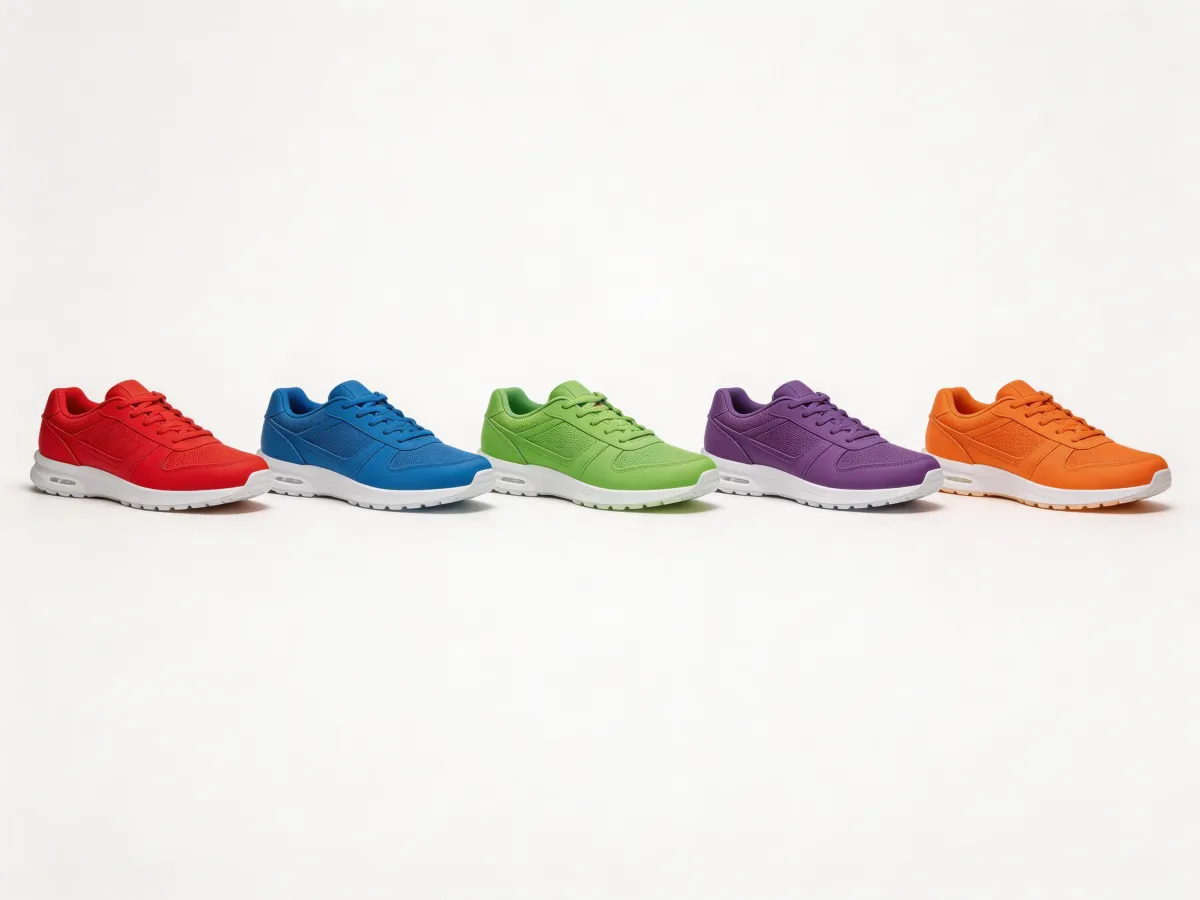
04Batch Colorways
Generate an entire colorway lineup in one go. Great for product catalogs and design presentations.
Three simple steps
Upload your image
Drop in any product photo, design, or artwork you want to recolor.
Select area and pick a color
Click the region to recolor and choose your target color or palette.
Download recolored image
Save all colorway variations in full resolution.
Examples
See the results
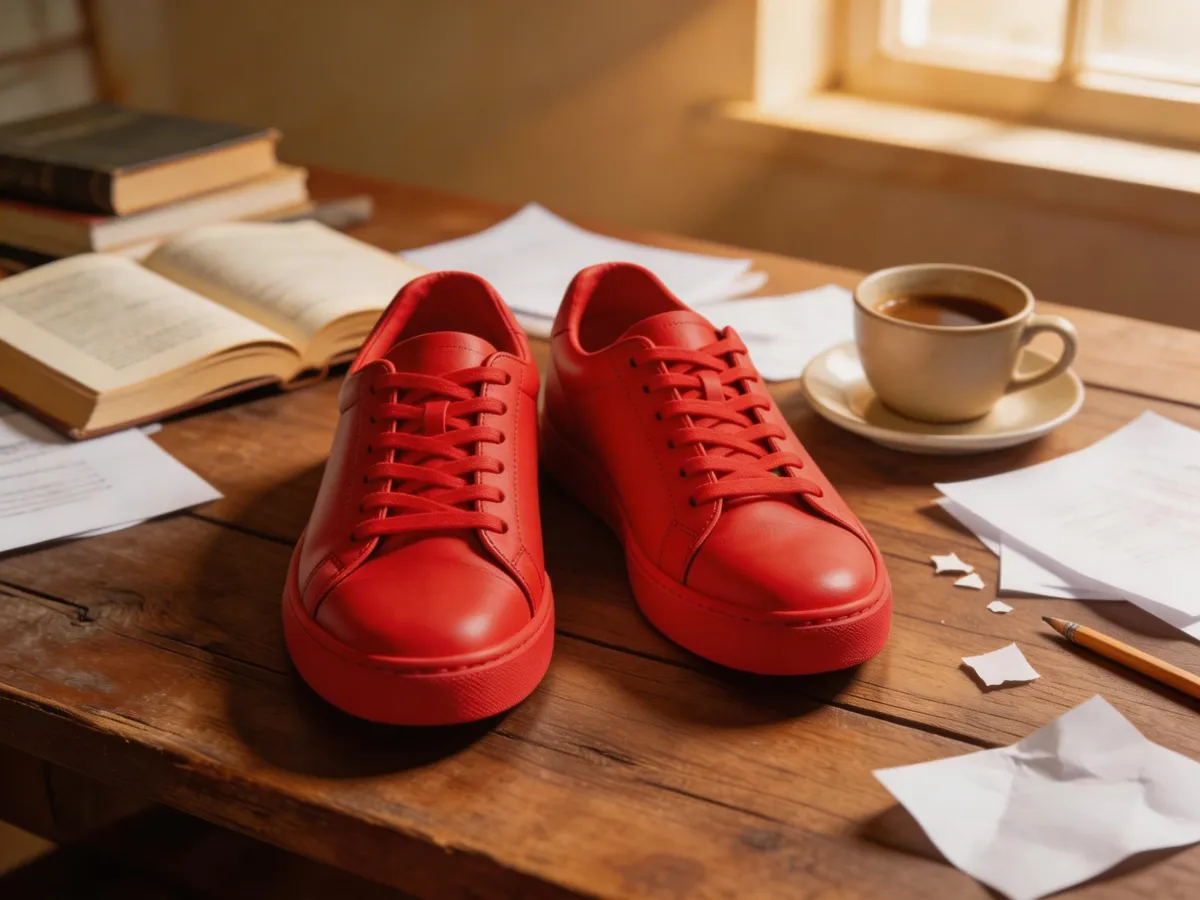
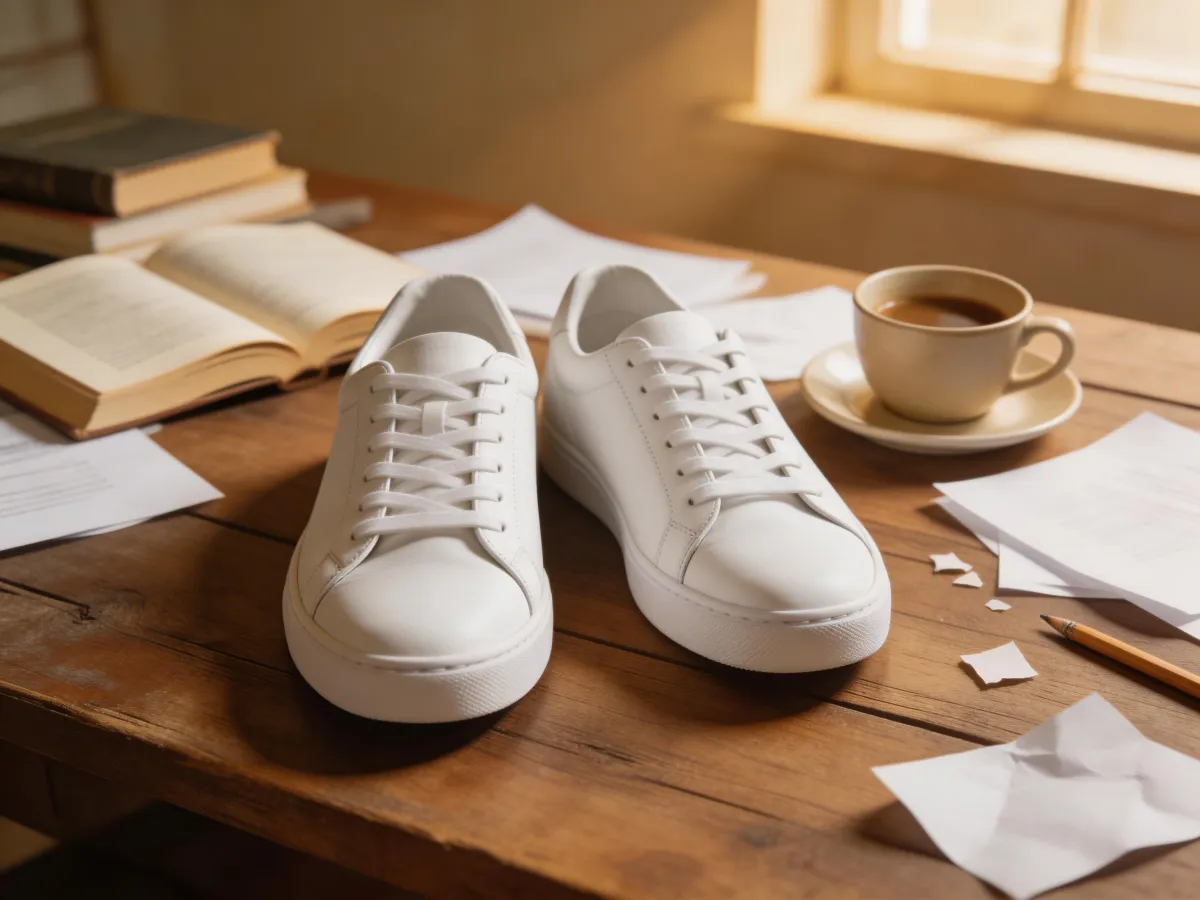
Ready to try AI Image Recolor?
Change colors in your images with AI precision. Recolor products, backgrounds, or specific elements — perfect for creating colorway variations and seasonal themes.
FAQ
Frequently asked questions
Yes, describe what you want to change — like "make the sneakers red" or "change the bag to blue." The AI identifies the specific item and recolors it while keeping everything else unchanged.
Perfectly. Fashion and product brands use our recolor tool to generate colorway variations from a single photo. Create your entire color lineup without photographing each variant separately.
Yes. Beyond item-specific recoloring, you can apply cinematic color grading — warm golden tones, cool blue moods, vintage film looks, and more. Just describe the mood you want.
Very accurate. The AI understands material properties, so recoloring leather looks different from recoloring fabric or metal. Shadows, highlights, and reflections are all adjusted to match the new color naturally.
No signup required. You can use all Custyle AI tools directly in your browser for free. Create an account only when you want to save your work, access premium features, or order custom merchandise.
Yes. Your uploaded images are processed securely and are never shared, sold, or used for training. Images are automatically deleted from our servers after processing. We take your privacy seriously.
Absolutely. All AI-generated results are yours to use commercially — for your online store, social media, advertising, print-on-demand, and any other business purpose. No attribution or licensing fees required.


