Some days deserve to stay with you.
Make custom merch from your own photograph or artwork. Explore the crop, choose a product and turn a personal image into something you can wear, carry or give.
Start with your photo or artwork

A place you love, a drawing you made, a moment worth keeping. Add a little direction of your own.
Sign in to continue. Generations use credits. See plans & credits
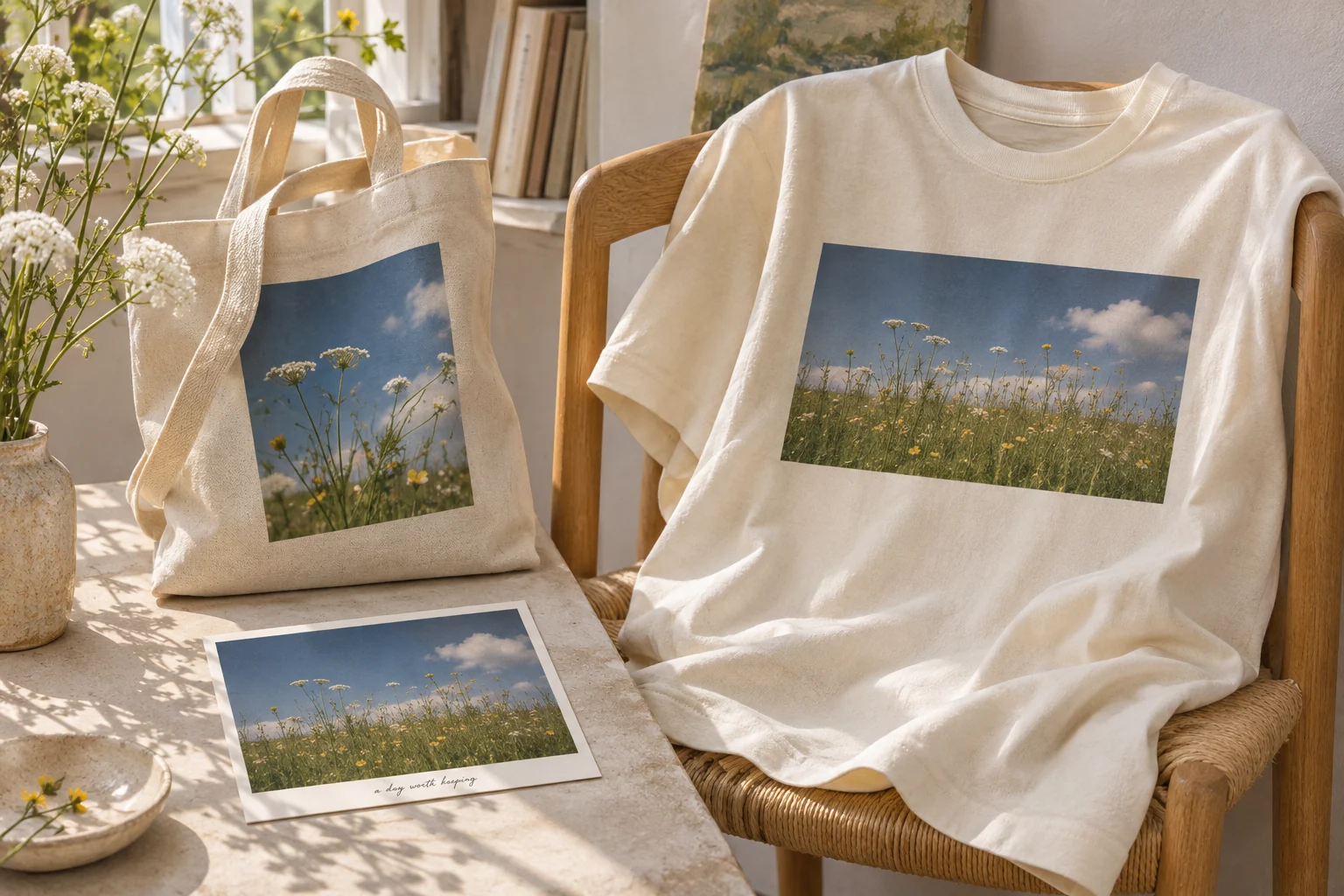
Something with a little meaning.
From your camera roll to your everyday.
An ordinary afternoon can become an extraordinary keepsake. Keep the image whole, focus on one detail, or give your artwork room to breathe.
a day worth keeping
The same memory. A new way to keep it.Find your starting point.
Choose a direction. Add your own details.
Choose your canvas.
Browse real products, sizes and available options.
A photograph you can wear
Try an intentional picture window instead of an accidental full-page crop.
Browse products tote bagArt for the everyday
Review how the artwork reads on the tote's proportions.
Browse products wall artA place on your wall
Explore available art-print products and their actual file requirements.
Browse productsA little care goes a long way.
Make it personal.
Check the details.
Bring the best original
Use your original image where possible, rather than a screenshot of a screenshot. Make sure you have permission to use the photo or art.
Choose the crop deliberately
A square, tall or wide product area can change the composition. Keep important details away from the supported area's edges.
Check pixels at print size
Screen clarity does not guarantee print clarity. Check effective PPI and the selected product's requirements; changing DPI metadata adds no detail.
A few things
you might wonder.
Can I keep my photo as it is?
Yes—tell Create you want to use the photograph itself rather than reinterpret it. Review cropping, colours and placement in the final design.
Does uploading a photo make it public?
Uploading a reference is not permission to use it as a marketing example. Review the visibility controls in the creation workflow before publishing a finished design. This page's imagery is an original AI-generated concept.
Which file should I start with?
The creation uploader shows its supported formats and limits. Start with a clear original raster export; inspect transparency and pixel dimensions with the local file checker before final approval.