Design Tool
Erase anything, keep everything else.
Select unwanted objects, text, or blemishes and watch them vanish. AI fills in the gap with realistic content that matches the surrounding scene.
Powered by Custyle AI
AI Object Remover
Upload an image and see the AI in action.
Features
Why AI Object Remover ?
 01
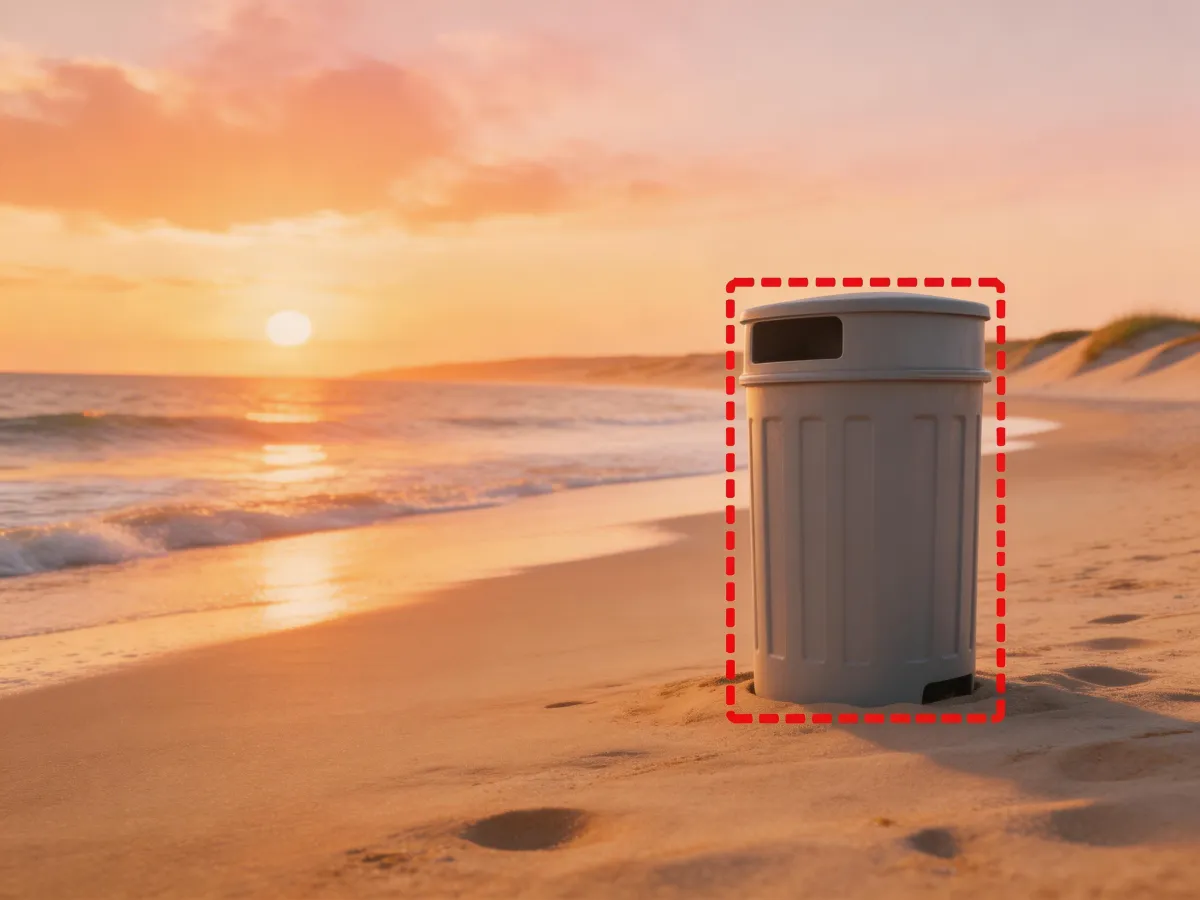
01Brush & Select
Paint over the object you want gone. AI detects edges automatically so you don't need pixel-perfect selection.
 02
02Context-Aware Fill
AI reconstructs the scene behind the removed object using surrounding textures, colors, and patterns.
 03
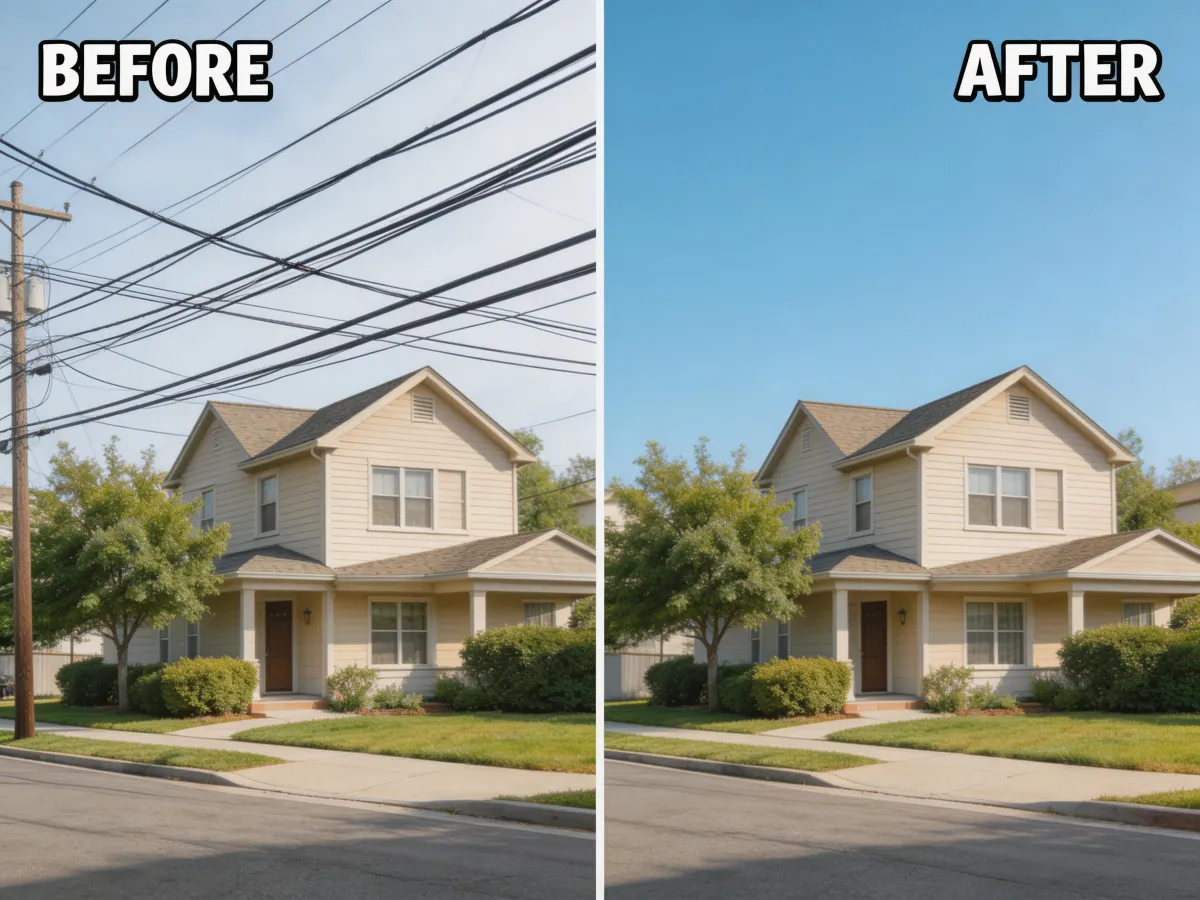
03Invisible Edits
No blurry patches or obvious cloning. The result looks like the object was never there.
 04
04Multi-Object Removal
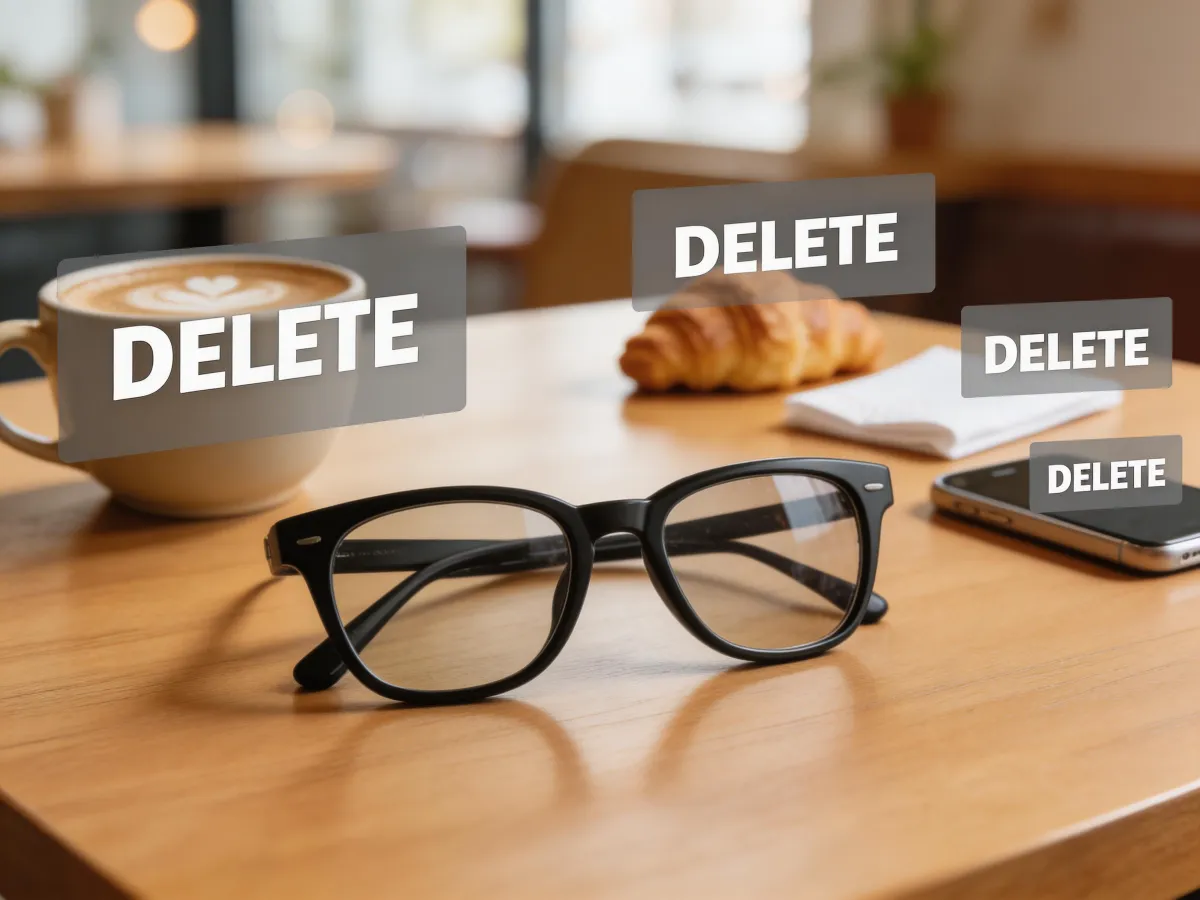
Select and remove multiple objects at once. Process complex cleanups in a single pass.
Three simple steps
Upload your image
Drag and drop any photo with unwanted objects, text, or distractions.
Mark what to remove
Brush over the objects you want erased. AI handles the rest.
Download the clean image
Save your flawless result in full resolution — no watermarks.
Examples
See the results


Ready to try AI Object Remover?
Select unwanted objects, text, or blemishes and watch them vanish. AI fills in the gap with realistic content that matches the surrounding scene.
FAQ
Frequently asked questions
Our AI can remove virtually anything — people, watermarks, text, logos, power lines, trash cans, and other unwanted elements. Simply describe what you want removed and the AI fills the area naturally.
No. The AI uses advanced inpainting technology to fill removed areas with contextually appropriate content that matches the surrounding textures, lighting, and perspective seamlessly.
Yes, you can describe multiple objects to remove in a single prompt — for example, "remove the person and the street sign." The AI processes all removals simultaneously for a clean result.
Our AI often produces more natural results than traditional tools, especially for complex scenes. It understands context, lighting, and scene composition to generate truly seamless fills in seconds rather than minutes of manual work.
No signup required. You can use all Custyle AI tools directly in your browser for free. Create an account only when you want to save your work, access premium features, or order custom merchandise.
Yes. Your uploaded images are processed securely and are never shared, sold, or used for training. Images are automatically deleted from our servers after processing. We take your privacy seriously.
Absolutely. All AI-generated results are yours to use commercially — for your online store, social media, advertising, print-on-demand, and any other business purpose. No attribution or licensing fees required.


