Design Tool
More canvas, more story.
Expand your images beyond their original borders. AI generates new content that seamlessly continues the scene — perfect for wider crops, social banners, and print layouts.
Powered by Custyle AI
AI Image Extender
Upload an image and see the AI in action.
Features
Why AI Image Extender ?
 01
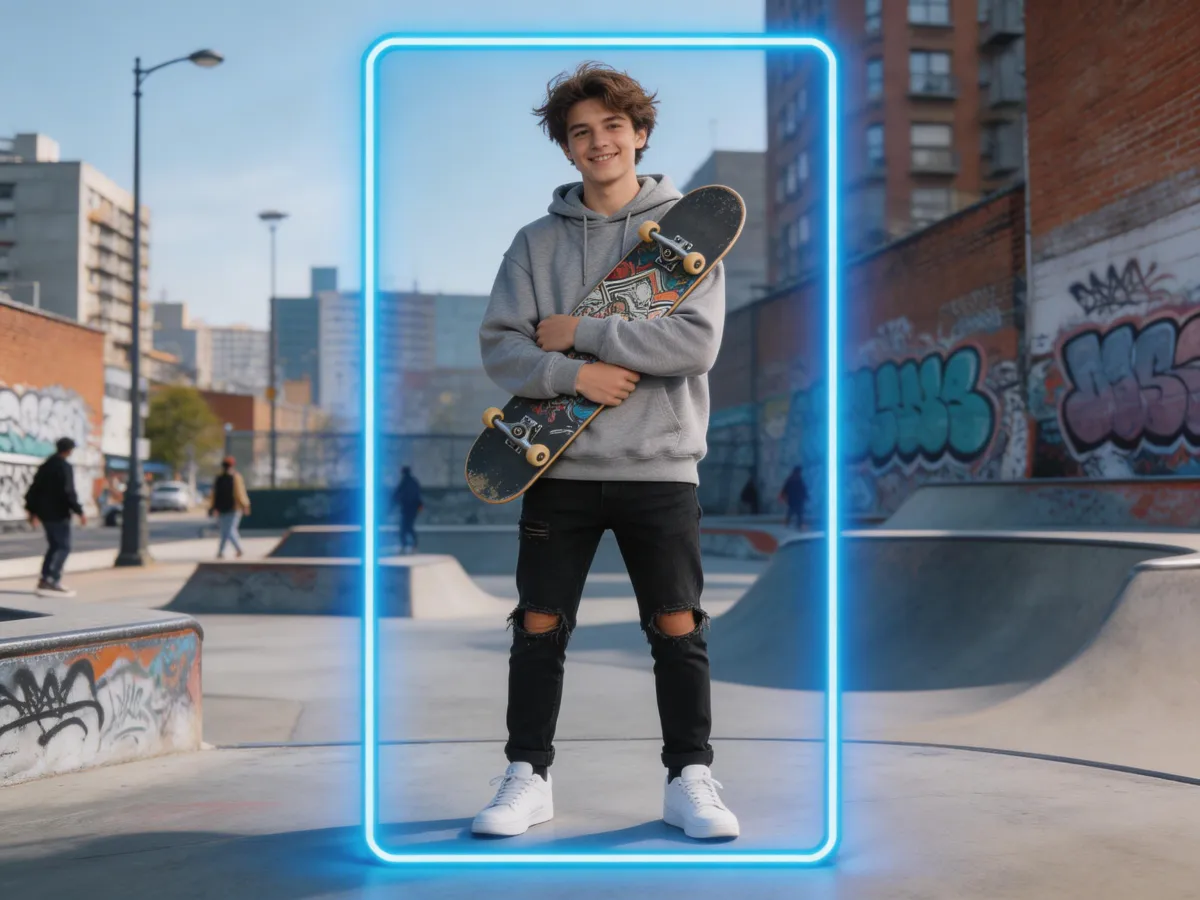
01Extend Any Direction
Expand left, right, up, down, or all sides at once. Choose custom aspect ratios or pick from social media presets.
 02
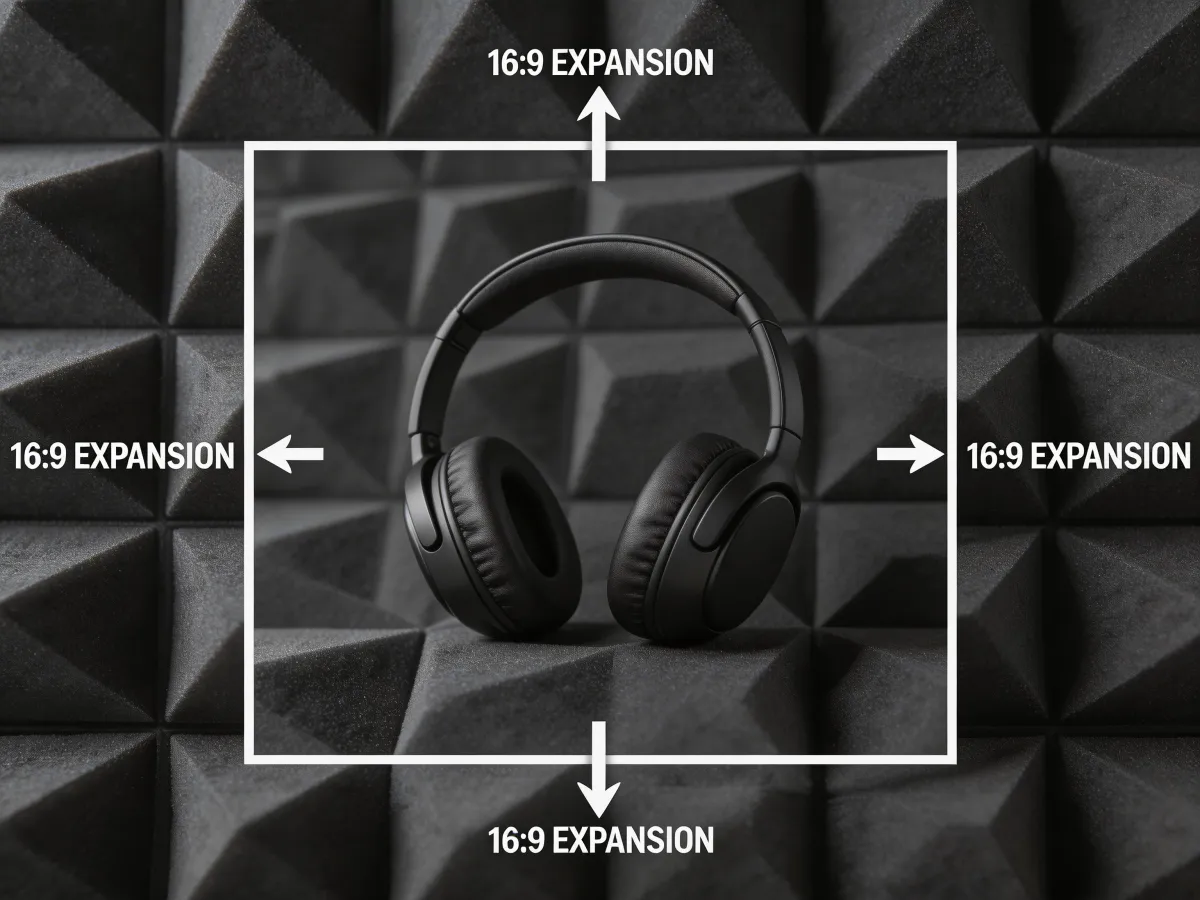
02AI Outpainting
New content matches the style, lighting, and perspective of the original image. No visible seams.
 03
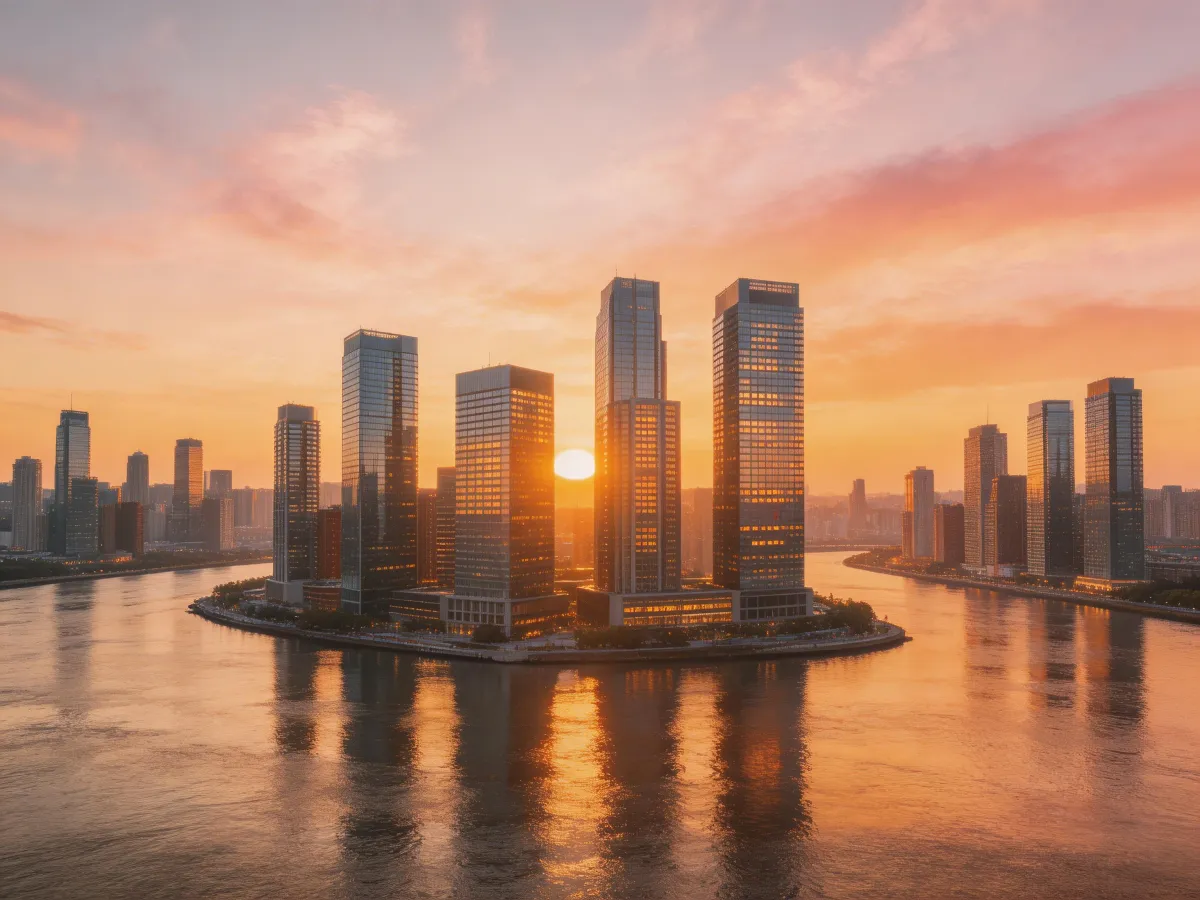
03Resolution Preserved
Extended areas are generated at the same resolution as the original. No blur, no artifacts.
 04
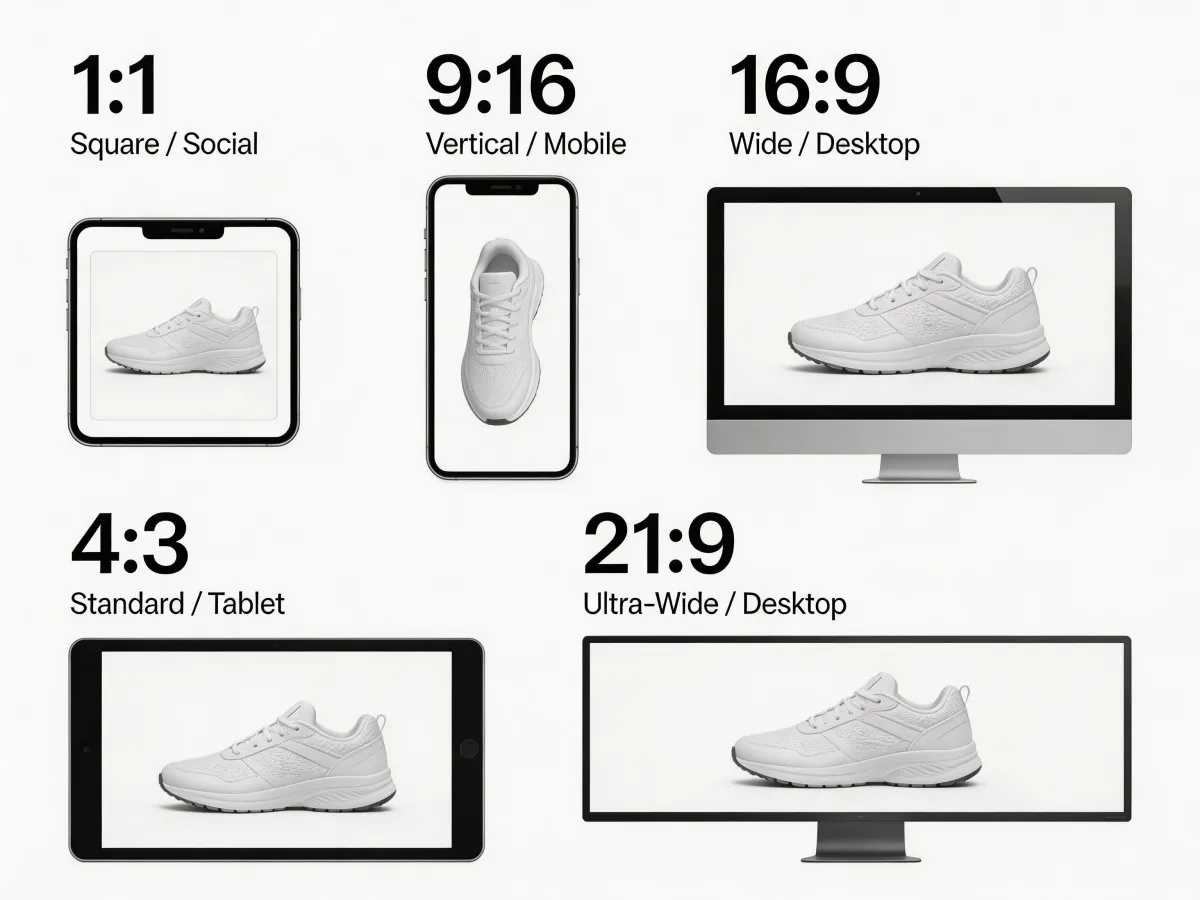
04Guided Extension
Optionally describe what should appear in the new area. Tell the AI to add sky, landscape, or patterns.
Three simple steps
Upload your image
Drop in any image you want to extend or re-crop.
Set the new canvas size
Drag the borders or pick a preset aspect ratio. AI previews the extension.
Download the extended image
Save your expanded image at full resolution, ready for any use.
Examples
See the results
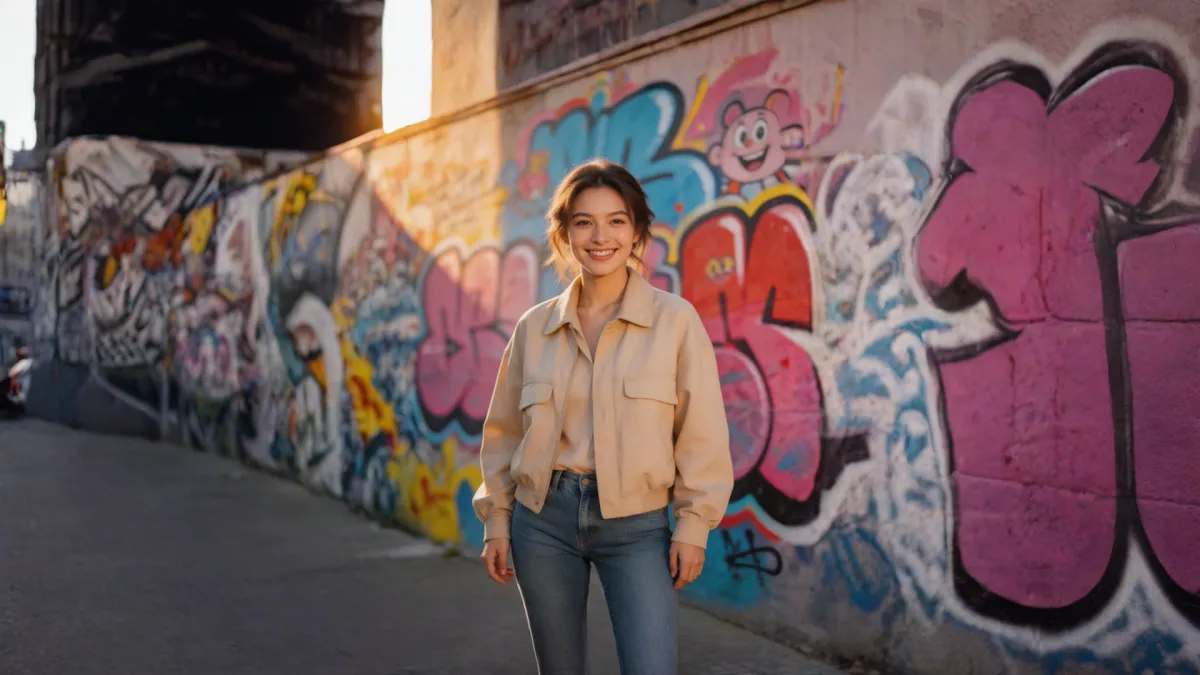
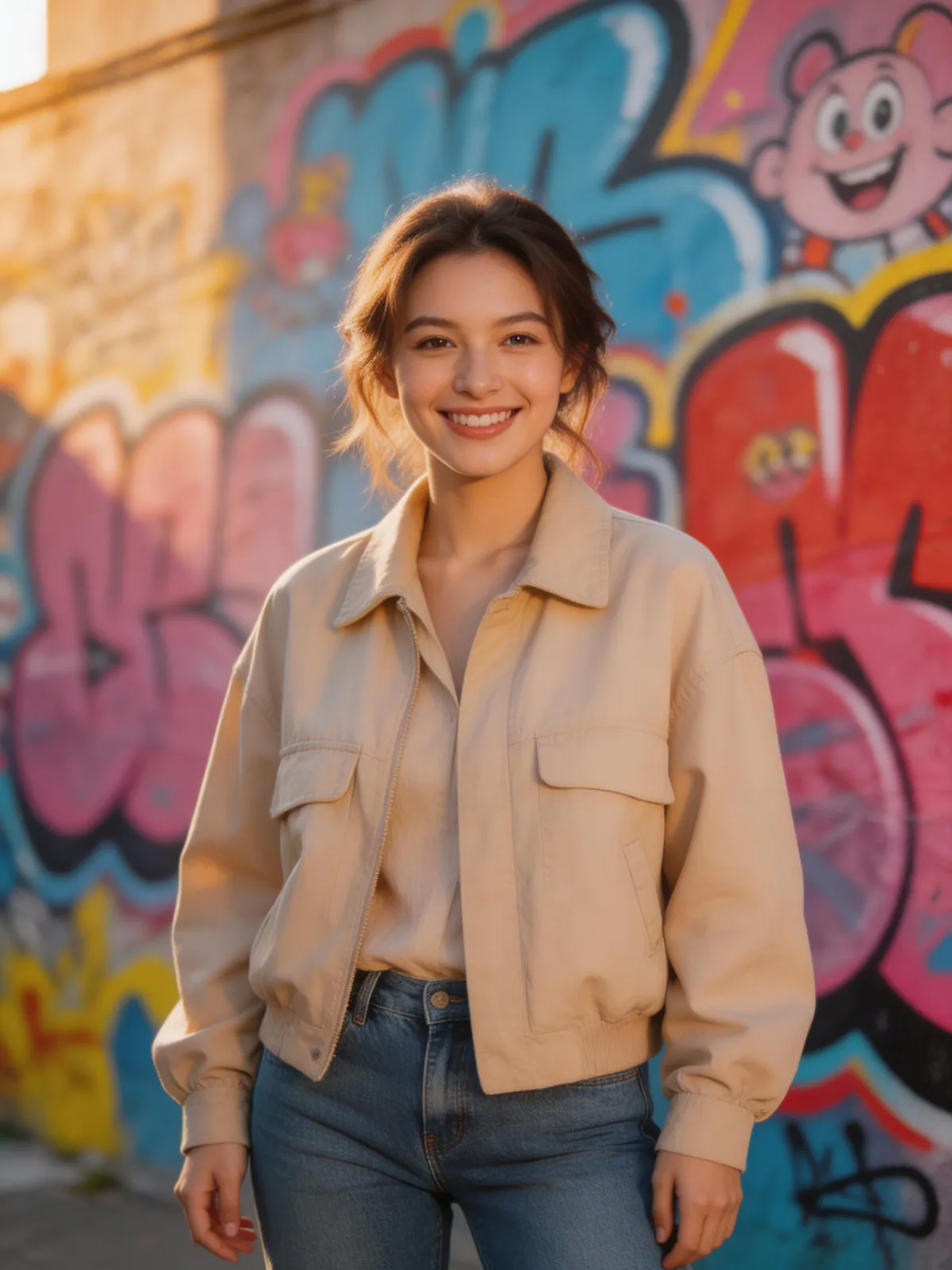
Ready to try AI Image Extender?
Expand your images beyond their original borders. AI generates new content that seamlessly continues the scene — perfect for wider crops, social banners, and print layouts.
FAQ
Frequently asked questions
Upload a photo and select your target aspect ratio. The AI analyzes the existing image content — colors, textures, lighting, and scene elements — then generates seamless extensions that look like they were always part of the original photo.
We support all common aspect ratios: 16:9 (landscape), 4:3, 1:1 (square), 3:4, and 9:16 (portrait/stories). This covers everything from YouTube thumbnails to Instagram stories to wide desktop banners.
Yes. The AI matches the style, lighting, colors, and content of your original image. Extended areas blend seamlessly with the original, making it impossible to tell where the original photo ends.
Absolutely — this is one of the most popular use cases. Upload a portrait (vertical) photo and extend it to 16:9 landscape. The AI generates matching background content on both sides to create a natural widescreen composition.
No signup required. You can use all Custyle AI tools directly in your browser for free. Create an account only when you want to save your work, access premium features, or order custom merchandise.
Yes. Your uploaded images are processed securely and are never shared, sold, or used for training. Images are automatically deleted from our servers after processing. We take your privacy seriously.
Absolutely. All AI-generated results are yours to use commercially — for your online store, social media, advertising, print-on-demand, and any other business purpose. No attribution or licensing fees required.


