Commerce Tool
Pro-quality photos, automatically.
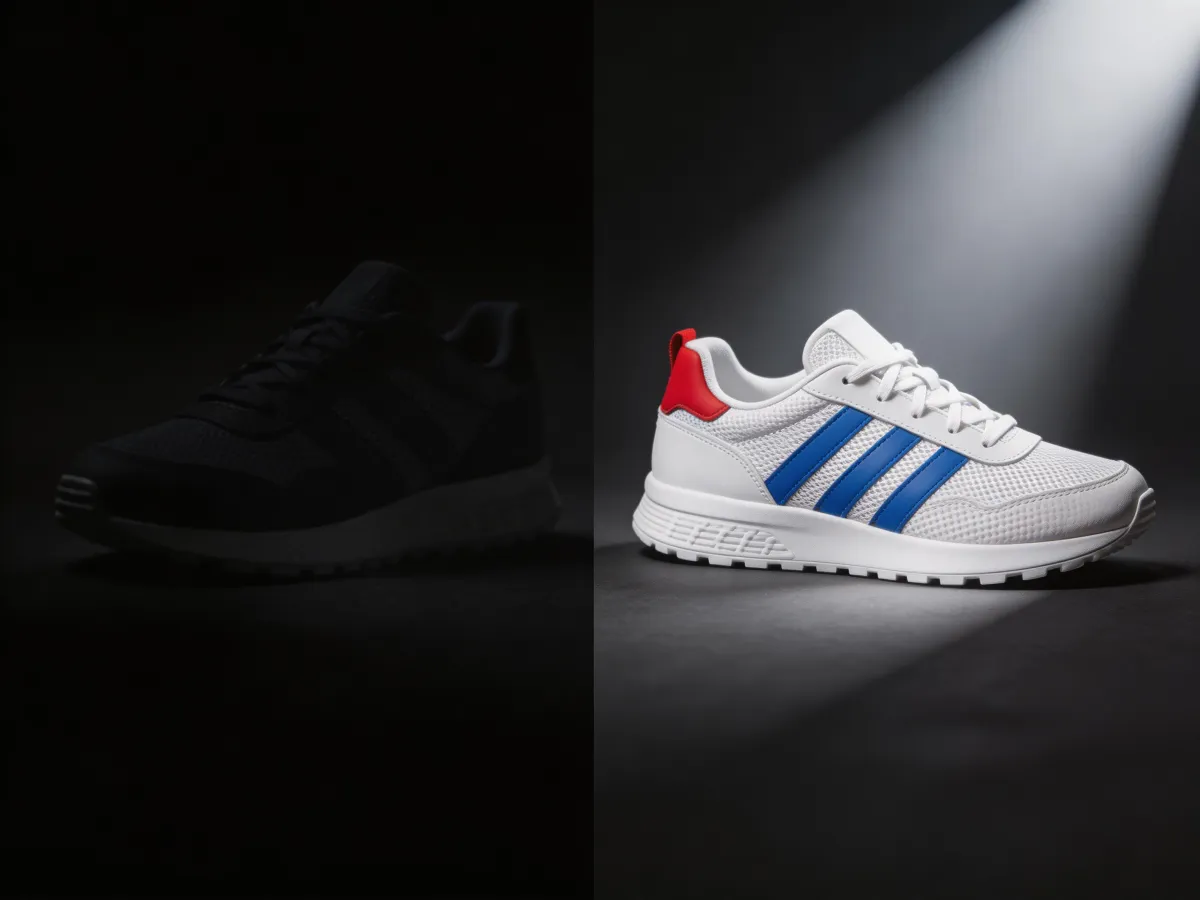
Auto-fix lighting, color, and details in product photos. AI analyzes your image and applies professional corrections — white balance, exposure, sharpness, and noise reduction.
Powered by Custyle AI
Image Enhancer
Upload an image and see the AI in action.
Features
Why Image Enhancer ?
 01
01Auto Color Correction
AI fixes white balance, saturation, and contrast so product colors look accurate and appealing.
 02
02One-Click Enhance
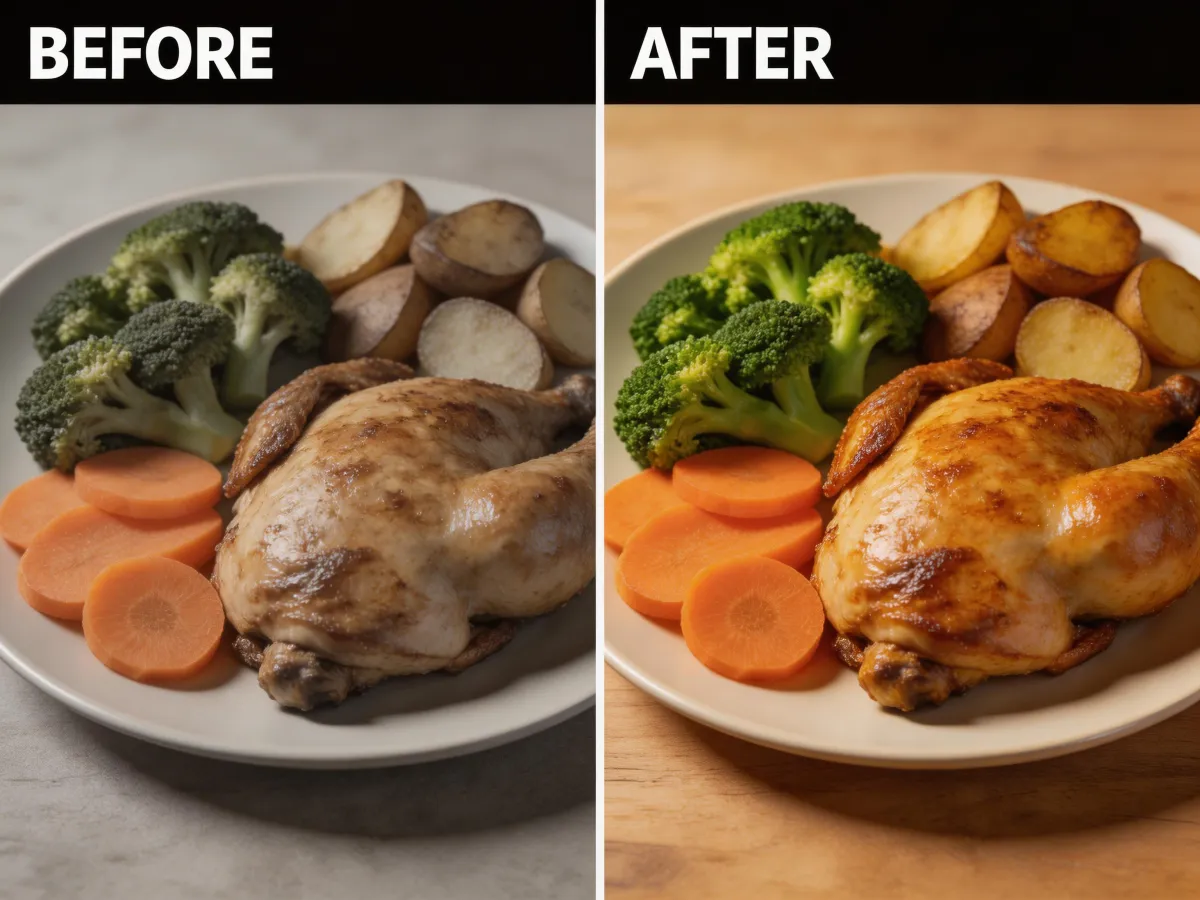
No sliders, no guessing. AI applies the optimal combination of corrections for your specific image.
 03
03Detail Sharpening
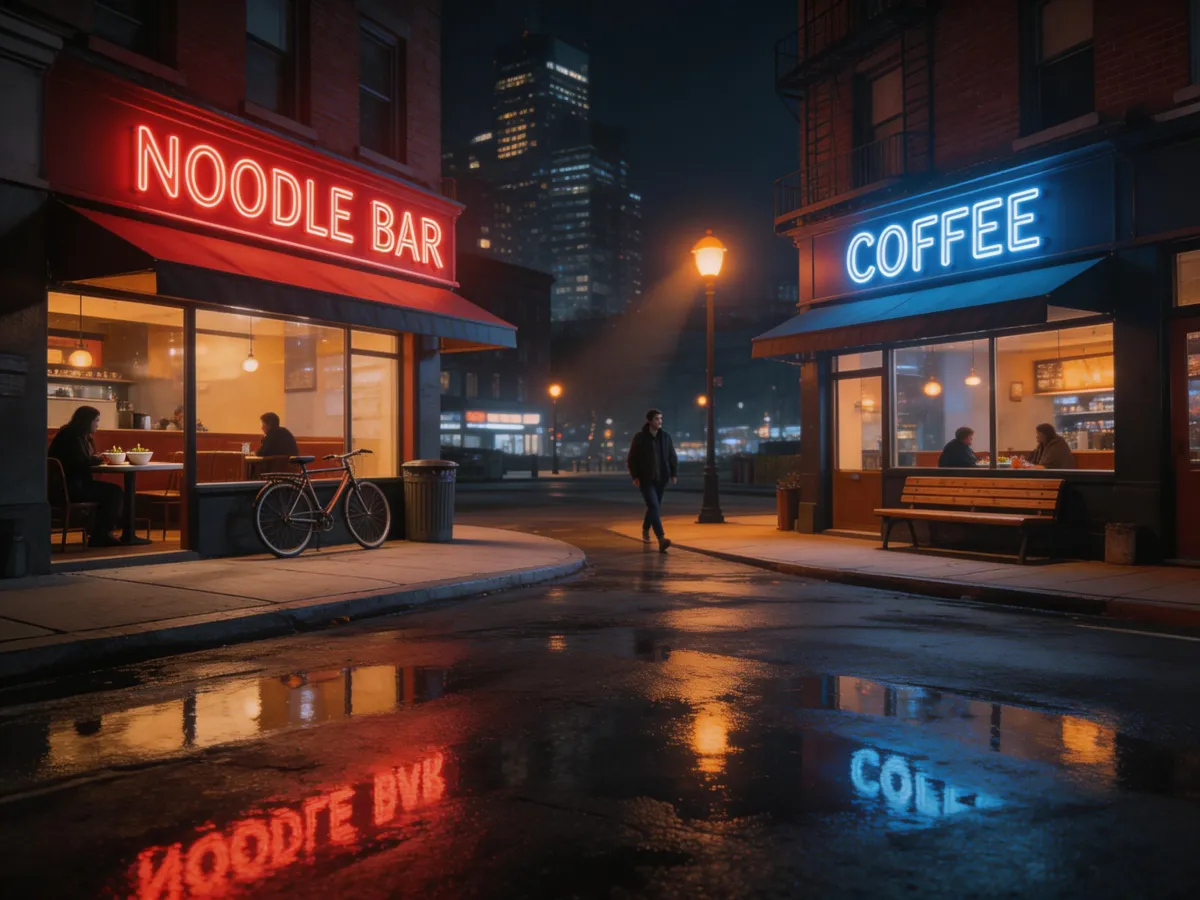
Textures, stitching, and fine print are sharpened without introducing halos or artifacts.
 04
04Noise Reduction
Remove grain from low-light or phone camera shots while preserving real detail.
Three simple steps
Upload your photo
Drop in any product photo that needs color, lighting, or detail improvement.
AI enhances automatically
Corrections are applied instantly. Compare before and after side by side.
Download the enhanced image
Save the improved photo at full resolution — ready for your store.
Examples
See the results


Ready to try Image Enhancer?
Auto-fix lighting, color, and details in product photos. AI analyzes your image and applies professional corrections — white balance, exposure, sharpness, and noise reduction.
FAQ
Frequently asked questions
It auto-corrects lighting, white balance, sharpness, contrast, and color vibrancy. Dark photos get brightened, blurry details get sharpened, and dull colors become vibrant — all in one click with no manual adjustment needed.
They are complementary. The Upscaler increases resolution (making images larger), while the Enhancer improves quality (making images look better). For best results, enhance first to fix quality, then upscale to increase size.
Yes, the AI can restore faded colors, reduce noise and grain, sharpen blurry areas, and improve overall clarity of old photographs. It will not fix tears or physical damage, but it significantly improves visual quality.
Perfectly. Product photographers use our enhancer to fix white balance, sharpen product details, and ensure consistent quality across their entire catalog. It saves hours of manual editing per batch.
No signup required. You can use all Custyle AI tools directly in your browser for free. Create an account only when you want to save your work, access premium features, or order custom merchandise.
Yes. Your uploaded images are processed securely and are never shared, sold, or used for training. Images are automatically deleted from our servers after processing. We take your privacy seriously.
Absolutely. All AI-generated results are yours to use commercially — for your online store, social media, advertising, print-on-demand, and any other business purpose. No attribution or licensing fees required.